Repeat Command
protograf allows you to directly define where elements, that make up
your design, should be placed within a page, or over a series of pages
within a Deck, but it also includes commands that let you place, or
“layout”, elements in a more repetitive or regular way
within a page.
This is part of the set of commands use for Layouts.
Overview
The Repeat() command is designed to repeat a shape across a rectangular
grid pattern.
Apart from the Repeat() command described here,
there are also these other commands which allow you to layout
elements in a more repetitive or regular way within a page:
Usage
The Repeat() command accepts the following properties:
shape - this is one of the Core Shapes available, for example, a circle or rectangle; the properties of that shape will determine where the first one in the sequence is drawn; the shape command should always be specified with a lowercase initial so that
Repeat()can handle the drawingcols - the number of columns (across) for which the shape is repeated
rows - the number of rows (upwards) for which the shape is repeated
interval - the distance between each repeat of the shape; this defaults to 0 (zero) not 1
interval_x - the distance between each repeat of the shape in the horizontal direction (between columns); defaults to the interval value
interval_y - the distance between each repeat of the shape in the vertical direction (between rows); defaults to the interval value
across - a set (list of whole numbers surrounded by curved brackets) containing only those column numbers which should be active
down - a set (list of whole numbers surrounded by curved brackets) containing only those row numbers which should be active
All the examples below make use of a commonly-defined shape (a circle with a light green fill color).
marble = circle(cx=1, cy=1, radius=0.25, fill="chartreuse")
Example 1.
|
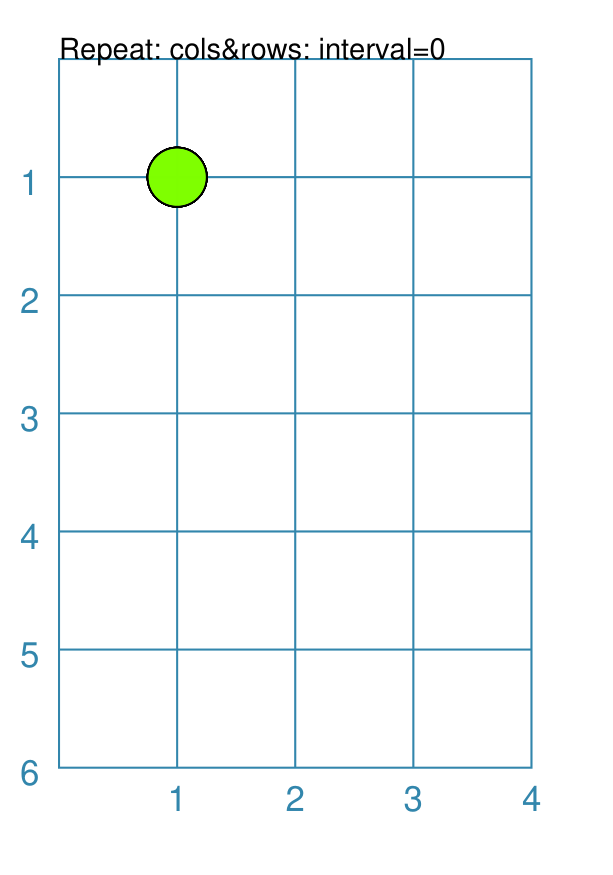
This example shows the Repeat created using differing values for its properties. Repeat(marble, cols=4, rows=5)
In this case, because there is no interval between either the columns or the rows, the shape is not drawn anywhere else except at the start location. |
Example 2.
|
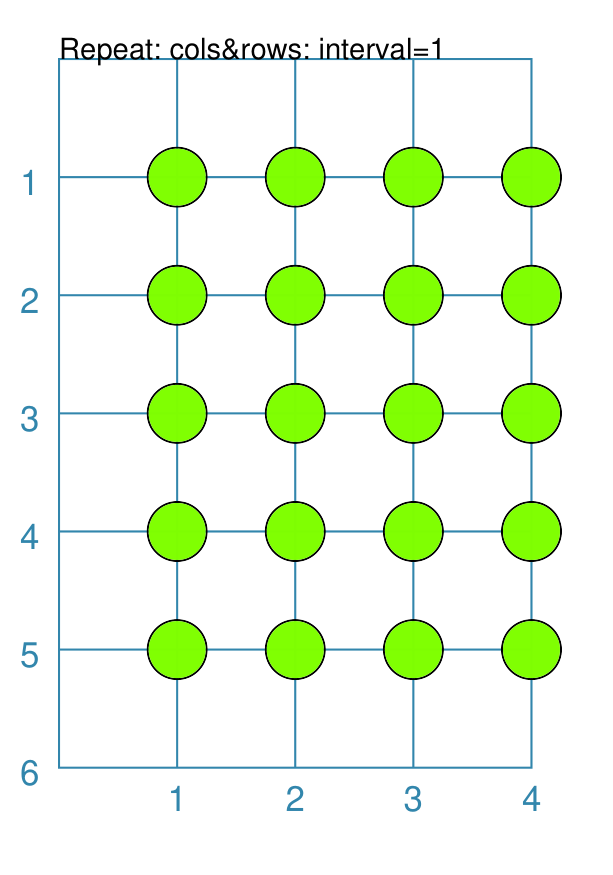
This example shows the Repeat created using differing values for its properties. Repeat(marble, cols=4, rows=5, interval=1)
In this case, there is an interval of |
Example 3.
|
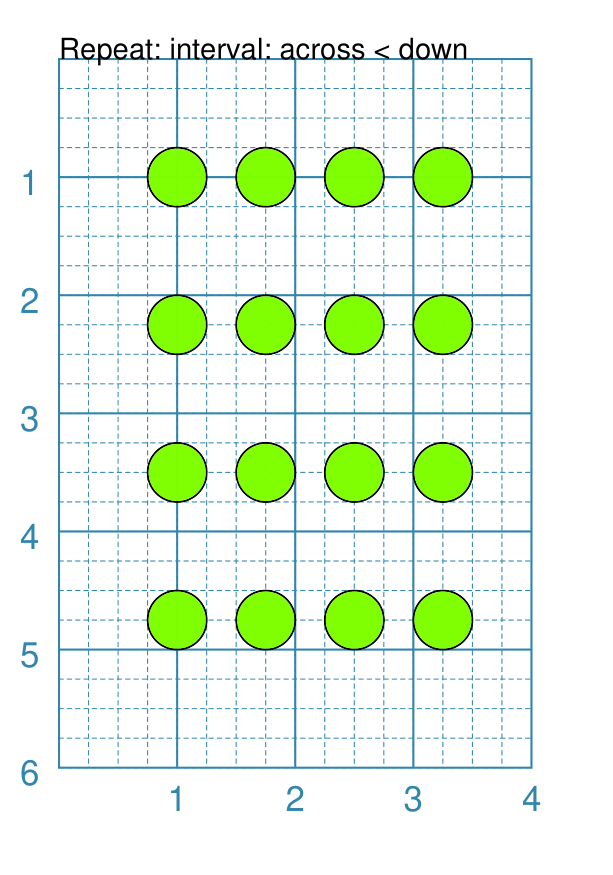
This example shows the Repeat created using differing values for its properties. Repeat(marble, cols=4, rows=4,
interval_x=0.75, interval_y=1.25)
In this case, there are different intervals between the columns
versus the rows; so the shapes are closer together between the columns
(interval_x of |
Example 4.
|
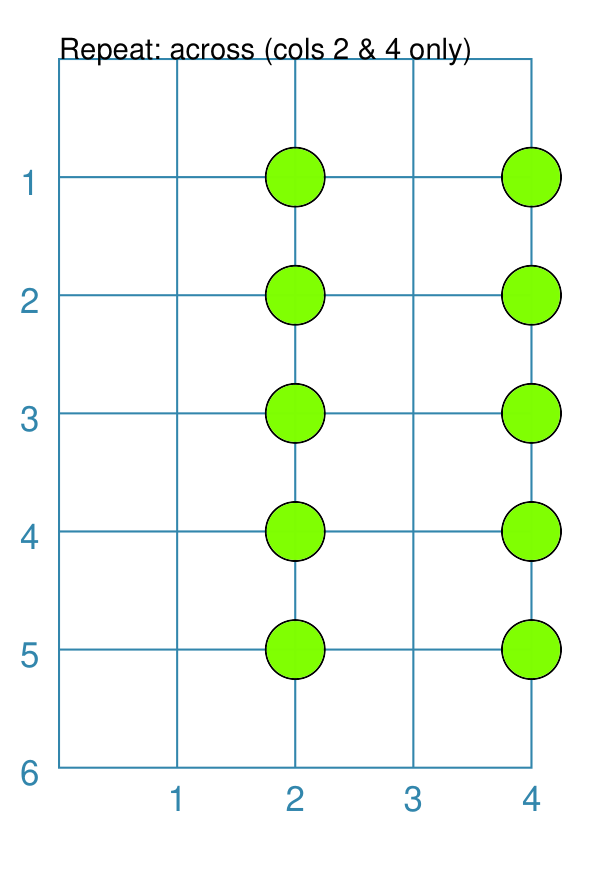
This example shows the Repeat created using differing values for its properties. Repeat(marble, cols=4, rows=5, interval=1,
across=(2, 4))
In this case, there is the same interval of |
Example 5.
|
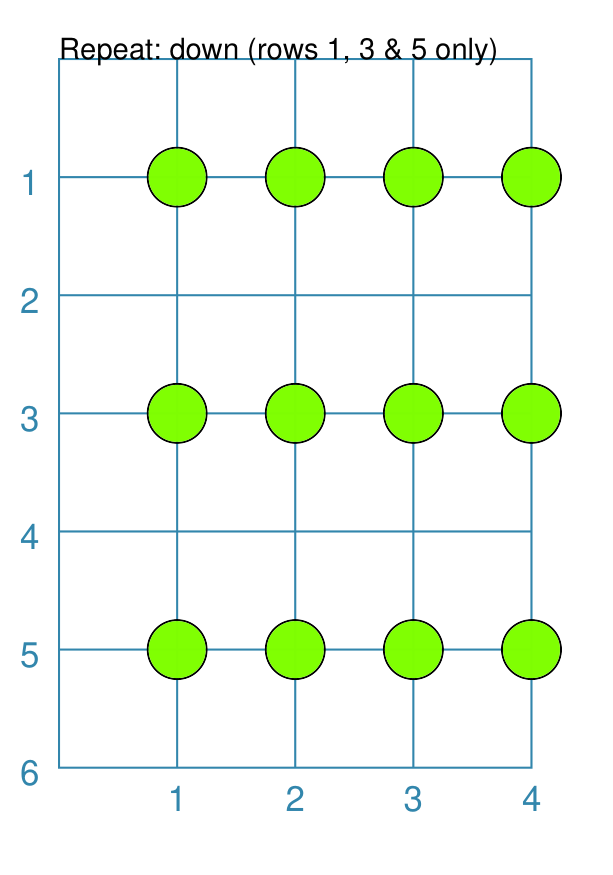
This example shows the Repeat created using differing values for its properties. Repeat(marble, cols=4, rows=5, interval=1,
down=(1, 3, 5))
In this case, there is the same interval of |
Example 6.
|
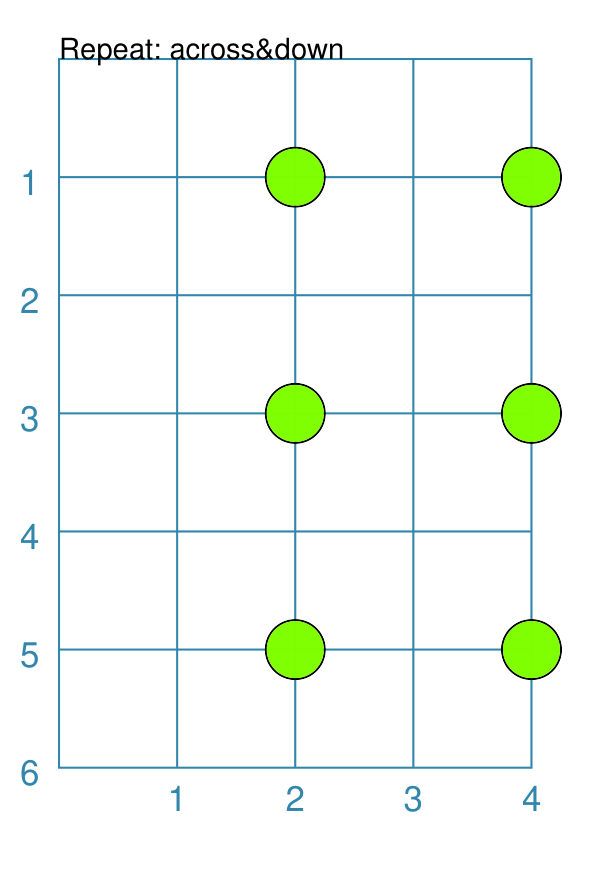
This example shows the Repeat created using differing values for its properties. Repeat(marble, cols=4, rows=5, interval=1,
across=(2, 4), down=(1, 3, 5))
In this case, there is the same interval of |