Abstract Board Games
These examples are meant to demonstrate the type of output you are able to create with protograf. They are not meant to be exhaustive or comprehensive!
Bear in mind that the images shown in these examples are lower-resolution screenshots; the original PDFs that can be generated from the source scripts will demonstrate full scalability.
Chess
Title |
Chess Board |
Script |
|
Discussion |
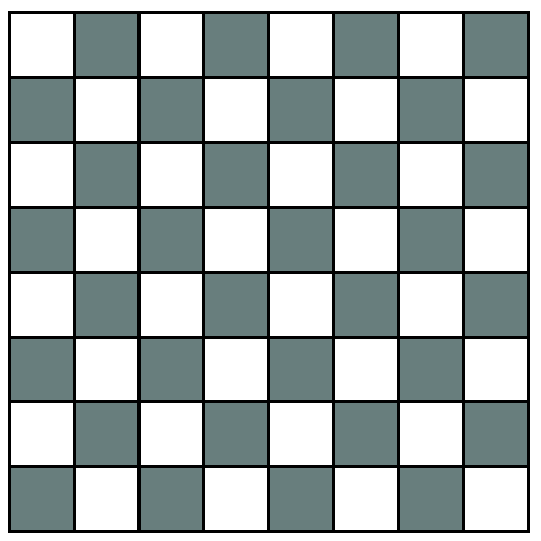
This example shows how to construct a regular Chess board. |
Screenshot |
|
Title |
Chess Board - Brown |
Script |
|
Discussion |
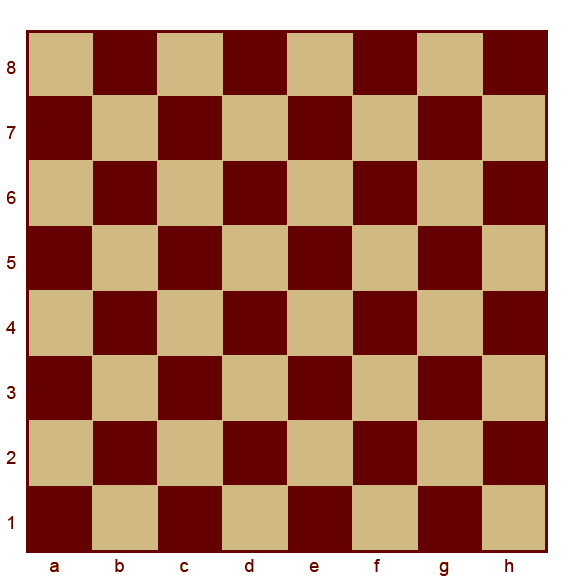
This example shows how to construct a regular Chess board with brown styling and grid references. This example uses a Square grid with alphanumeric locations.
These locations are then referenced and drawn with a The grid notation along the board edges is created via
|
Screenshot |
|
Backgammon
Title |
Backgammon Board |
Script |
|
Discussion |
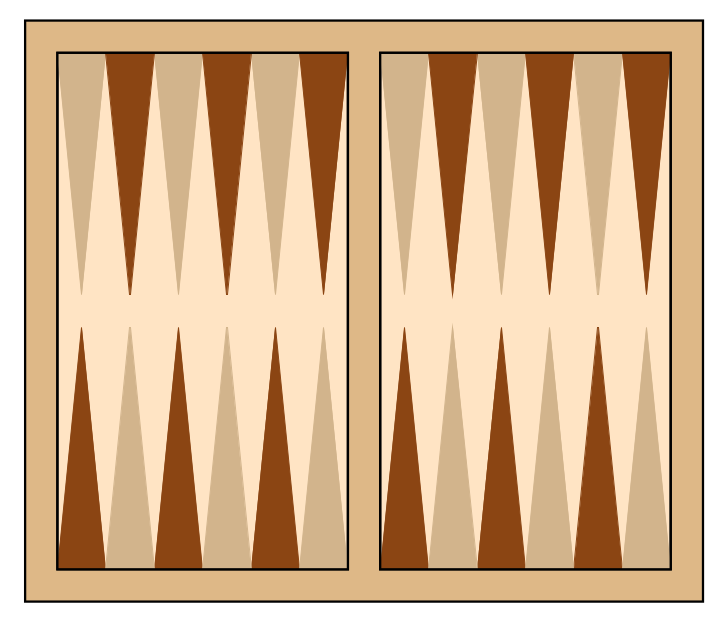
This example shows how to construct a regular Backgammon board. This uses Trapezoid shape with a very narrow top to represent a
point; this can be copied across in a line using a There is one Sequence command for each section of the board — top and bottom sections of each panel — and each Sequence draws a pair of Trapezoid shapes multiple times. |
Screenshot |
|
Dejarik
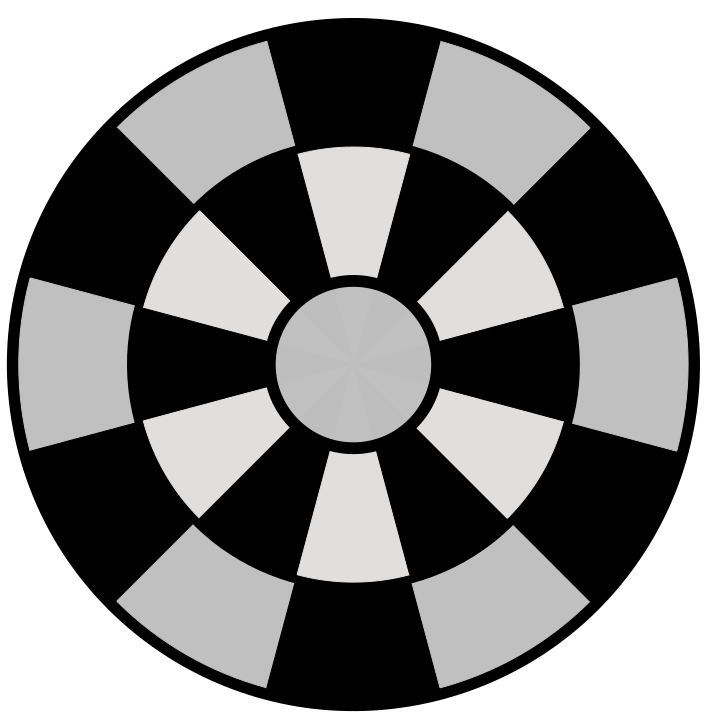
Dejarik is a holographic, Chess-like game depicted in the “Star Wars” movies.
Title |
Dejarik Board |
Script |
|
Discussion |
The code uses a basic |
Screenshot |
|
Go
Title |
Go Board |
Script |
|
Discussion |
This example shows how to construct a regular Go board. The script is fairly simple; the board itself is contructed from a
The handicap points are constructed using a |
Screenshot |
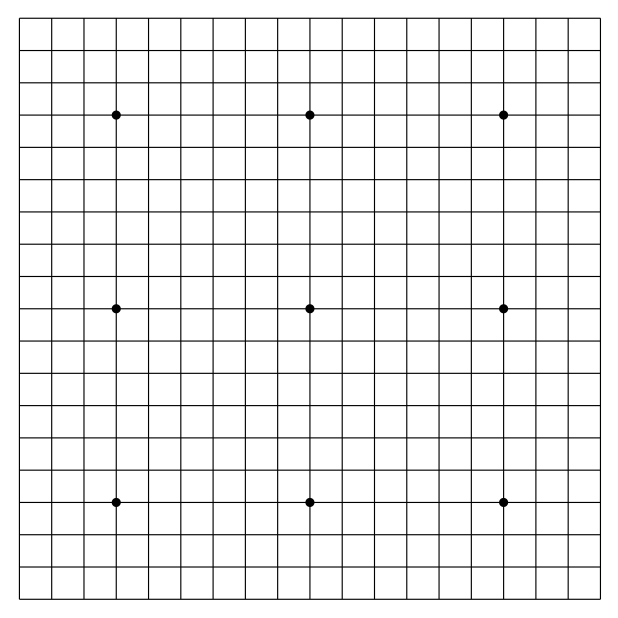
|
Hex
Hex is the title of a game invented by Piet Hein.
Title |
Hex Board |
Script |
|
Discussion |
This example shows how to construct a Hex game board. The primary board is drawn using the |
Screenshot |
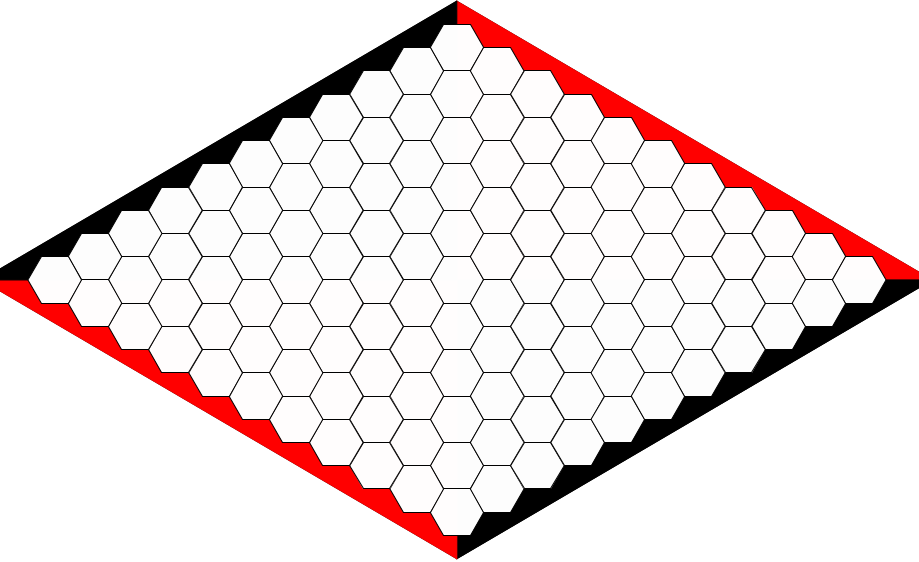
|
HexHex Games
There are many games that are played on “hexagonal” board i.e. a board that is hexagonal in outline and is composed of many hexagons.
The number of hexagons on the side of such a board is used to identify the board size, for example; hexhex4 is a board with 4 smaller hexagons along each side.
Title |
Plain HexHex Board |
Script |
|
Discussion |
This example shows how to construct a regular HexHex board. |
Screenshot |
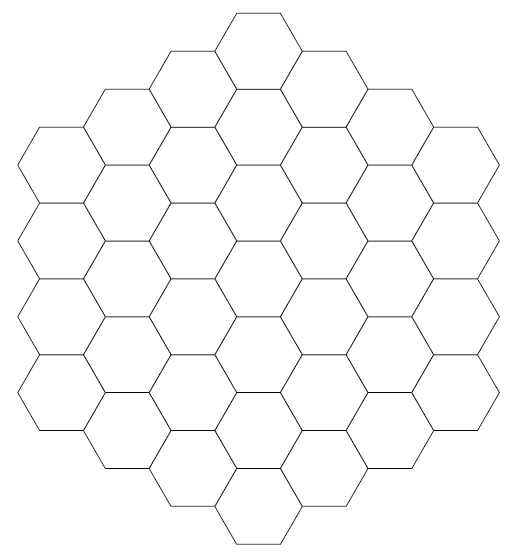
|
Title |
HexHex Board - Circular Spaces |
Script |
|
Discussion |
This example shows how to construct a HexHex board, but with circles replacing the usual hexagons in the layout; these are placed at the centre of where that hexagon would normally be drawn. |
Screenshot |
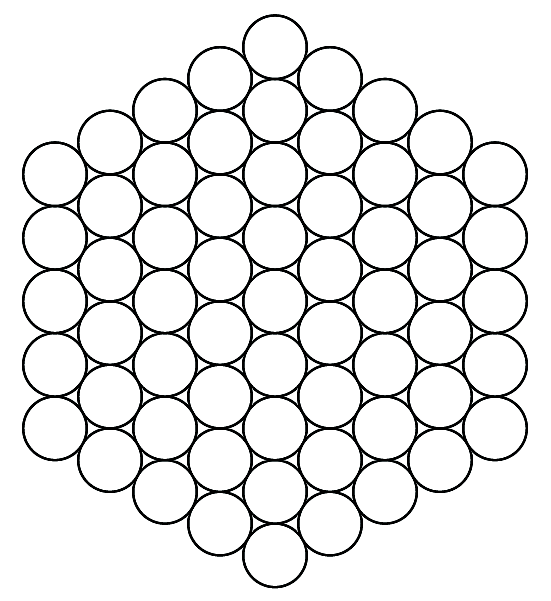
|
Title |
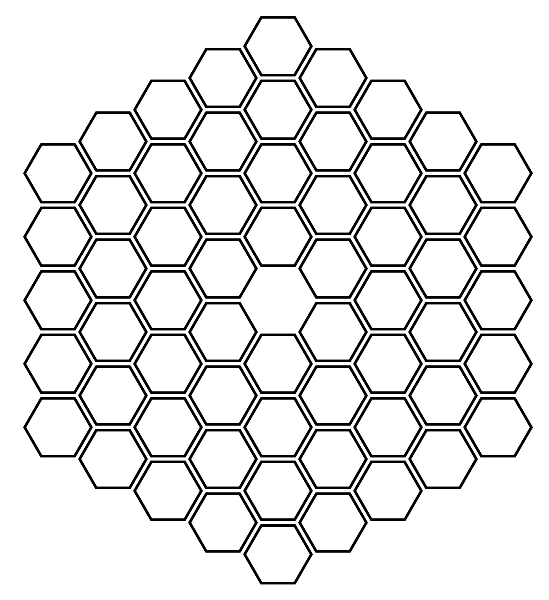
HexHex Board - Hexagonal Spaces |
Script |
|
Discussion |
This example shows how to construct a HexHex board, but with smaller hexagons replacing the usual hexagons in the layout; these are placed at the centre of where that hexagon would normally be drawn. In addition, the centre space is masked. |
Screenshot |
|
Morabaraba
Title |
Morabaraba Board |
Script |
|
Discussion |
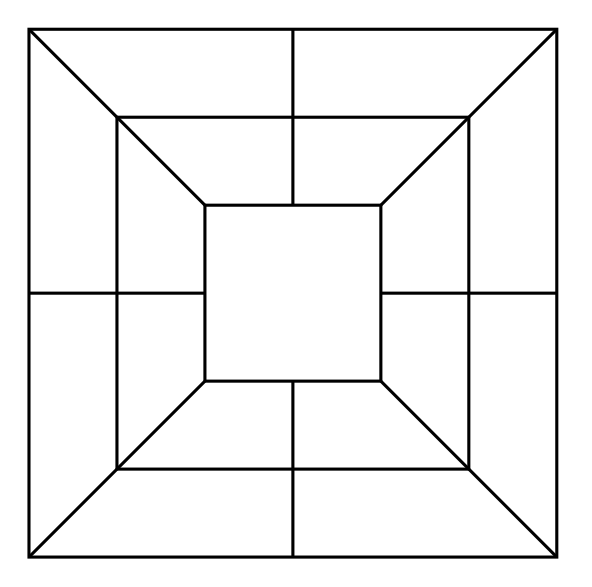
This example shows how to construct a Morabaraba board. There is just a simple set of Squares, with the corner vertices and line centres (“perbis” points), connected by Lines using each line’s link property. |
Screenshot |
|
Octagons
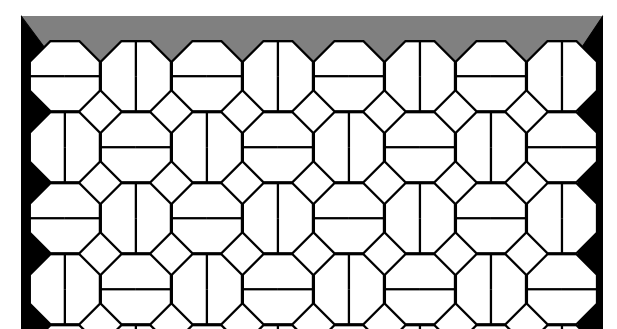
In Octagons, players alternate taking turns. On their turn, a player can either fill in one half of an octagon or two squares. The player who first forms an unbroken connecting line between the edges of their colour wins.
Title |
Octagons Board |
Script |
|
Discussion |
The code uses a basic 8-sided The |
Screenshot |
|
Snex
Title |
Snex Board and Game |
Script |
|
Discussion |
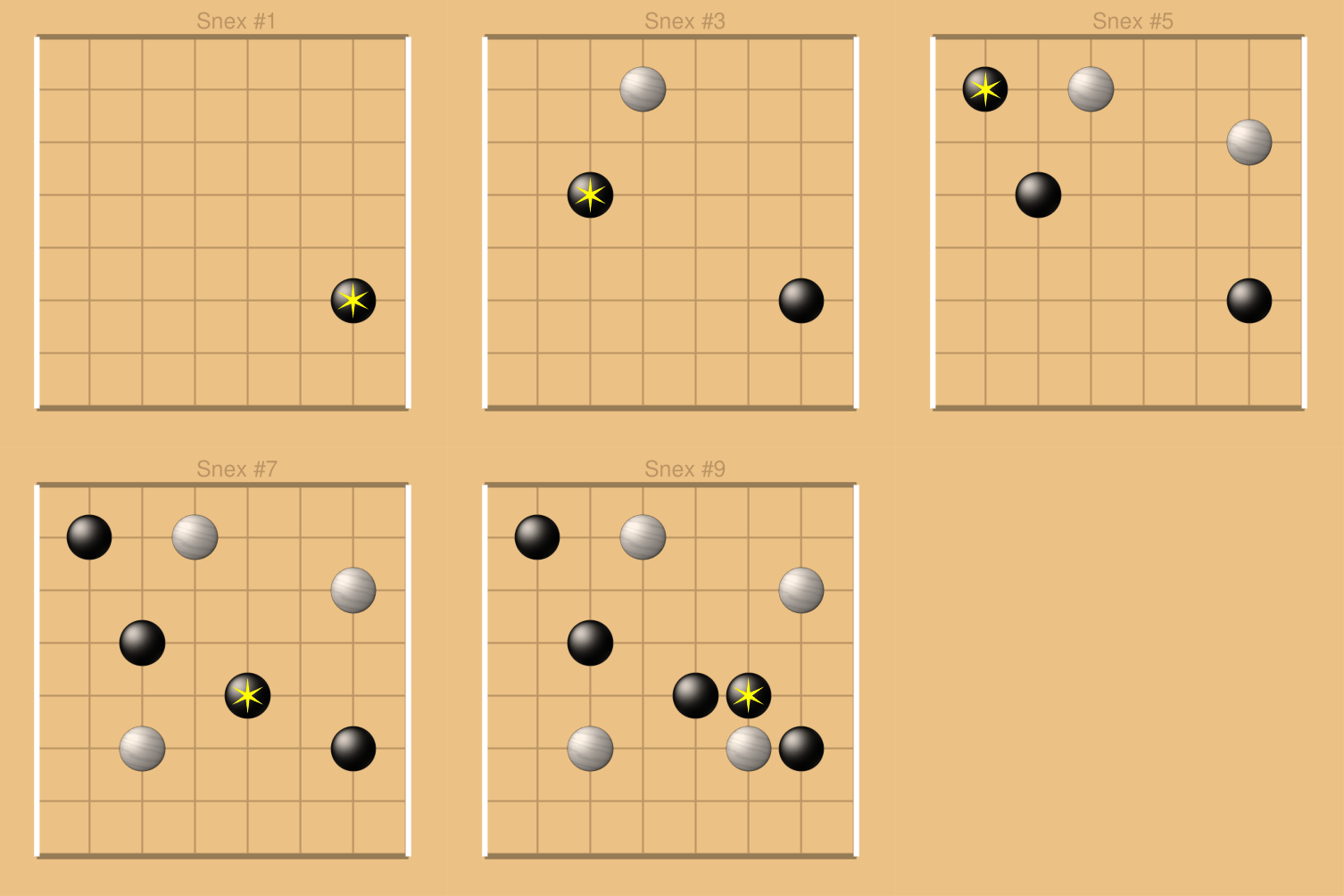
This example shows how to construct a board and then show a series of moves played out on that board. This example uses a number of different commands:
The example requires the use of a Python list to store the moves,
showing for each side on which grid row/column intersection their
piece was placed. Here
The use of a for loop allows the program to process the moves and create a page for the board state as it would be after all moves up to that point have been carried out:
Finally, the
The GIF will always “loop” — starting the animation again once all frames have been shown. |
Screenshot |
|
TicTacToe
Title |
TicTacToe Board and Game |
Script |
|
Discussion |
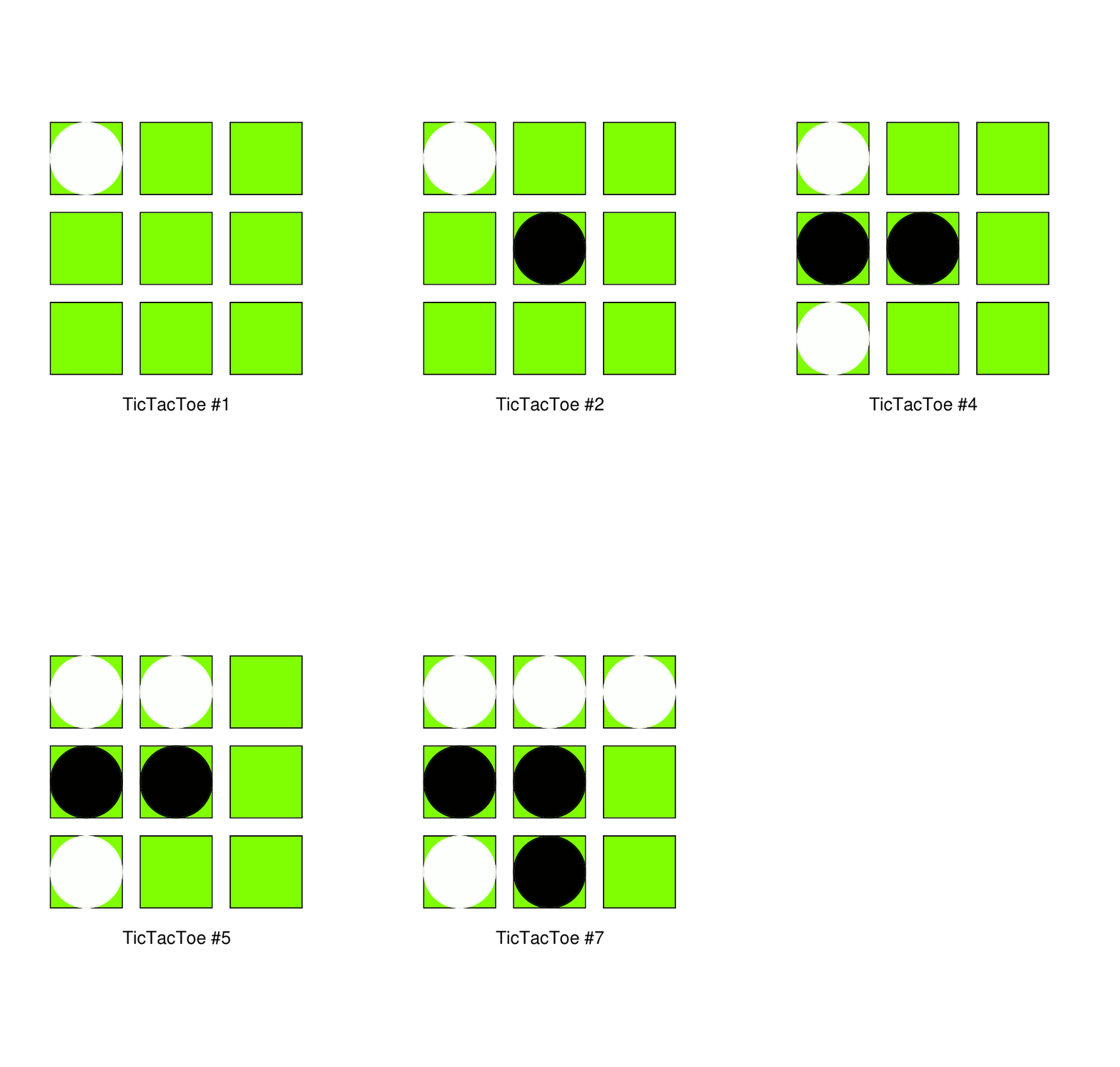
This example shows how to construct a board and then show a series of moves played out on that board. This example uses The example requires the use of Python lists to record the moves, showing for each player in which grid row and column their piece was placed:
The use of a loop allows the program to process the moves and create one page for the board state as it would be after all moves up to that point have been carried out:
Finally, the
The GIF will always “loop” — starting the animation again once all images have been shown. |
Screenshot |
|
Meridians
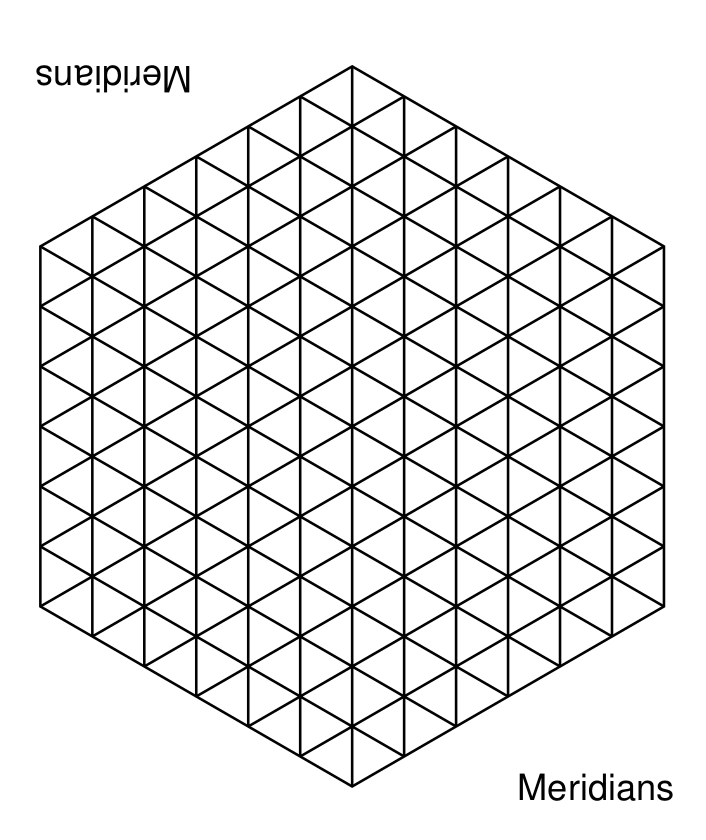
In Meridians, players alternate taking turns to place stones and capture the opponent’s pieces.
Title |
Meridians Board |
Script |
|
Discussion |
The code uses a basic |
Screenshot |
|
New Classic Games
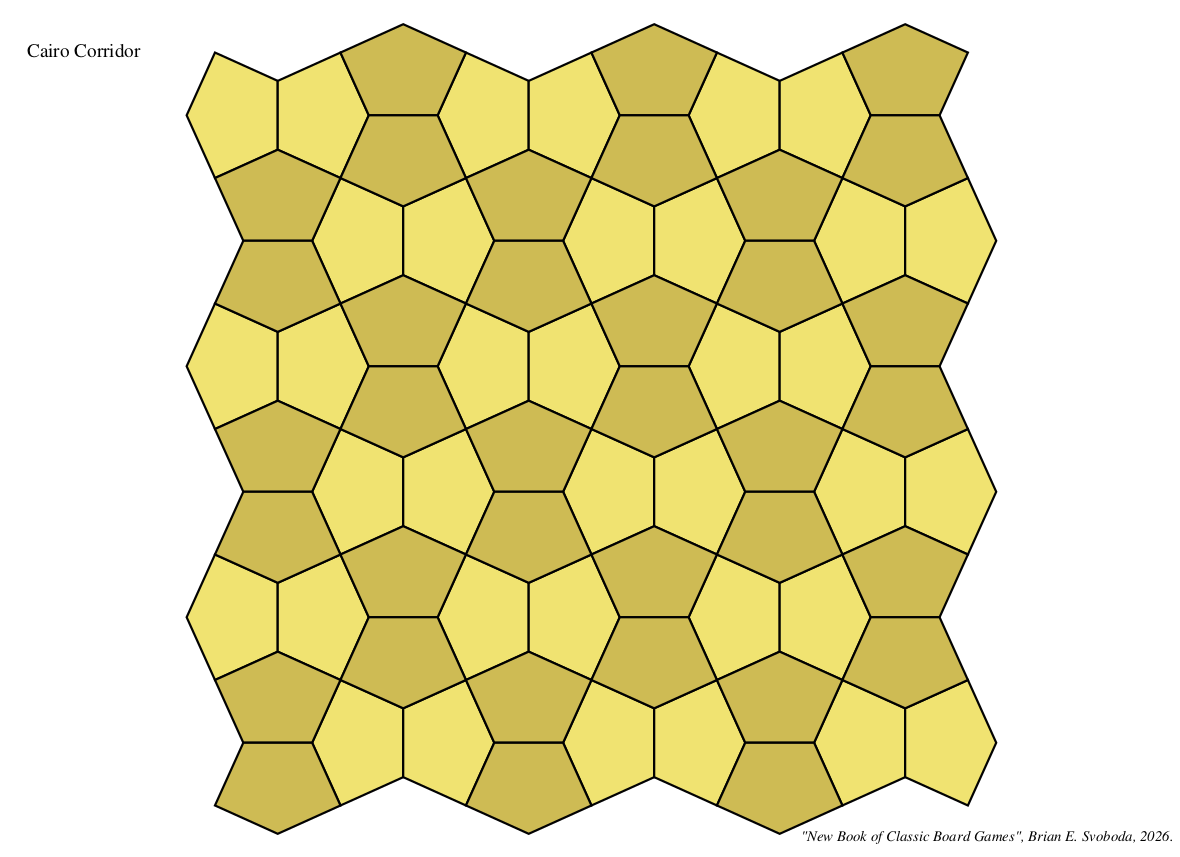
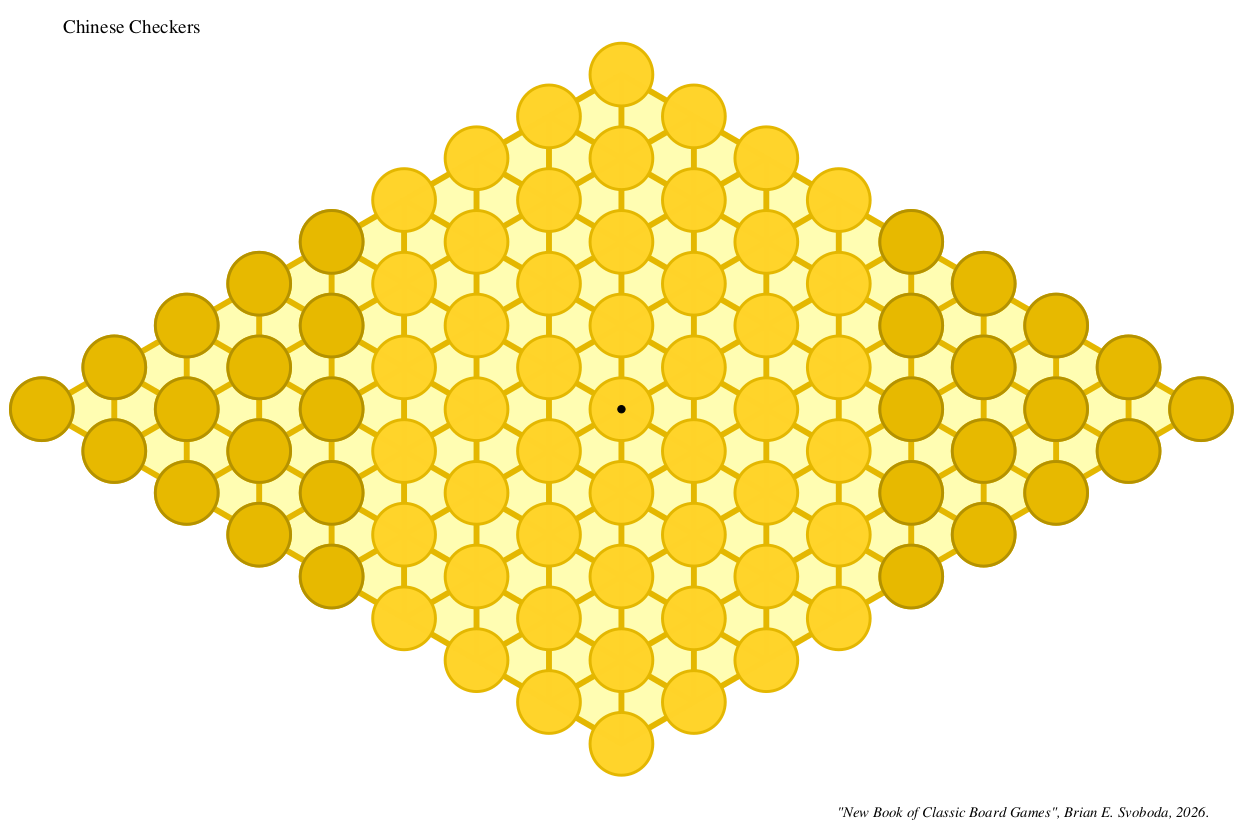
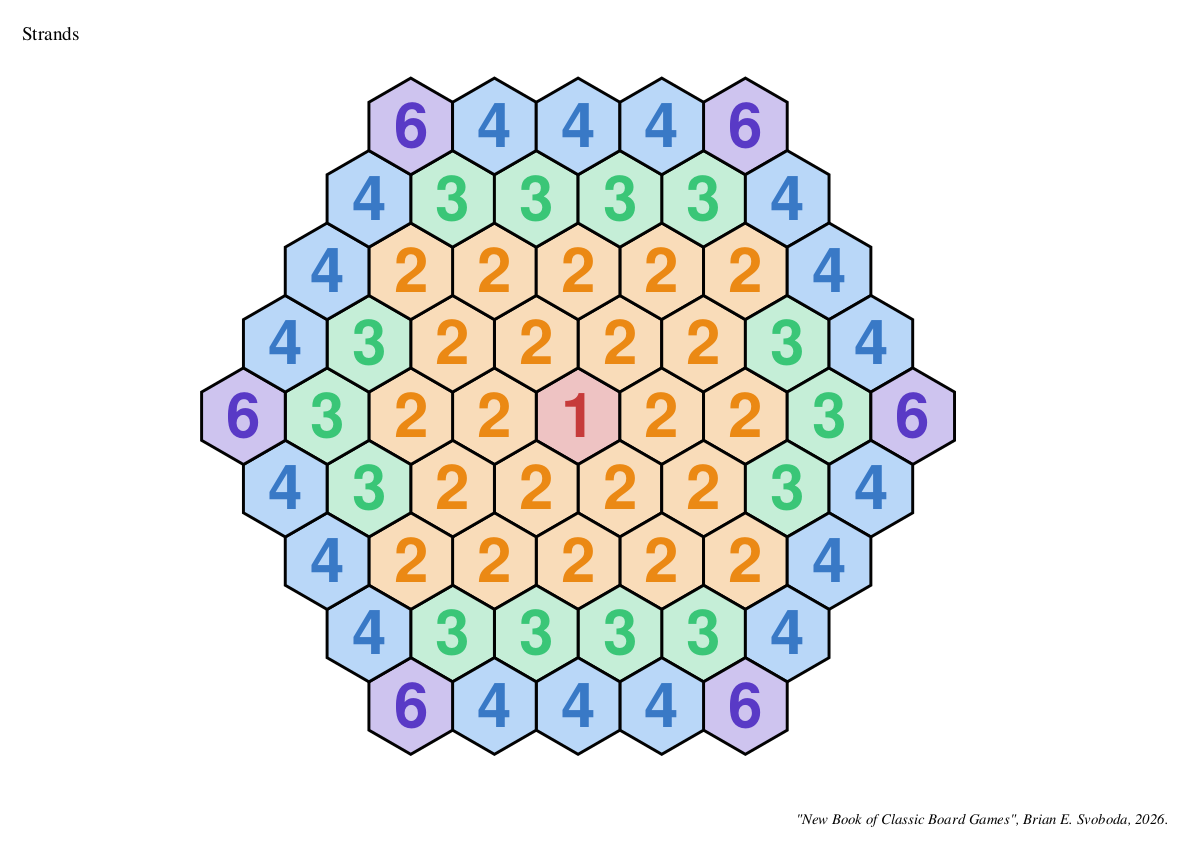
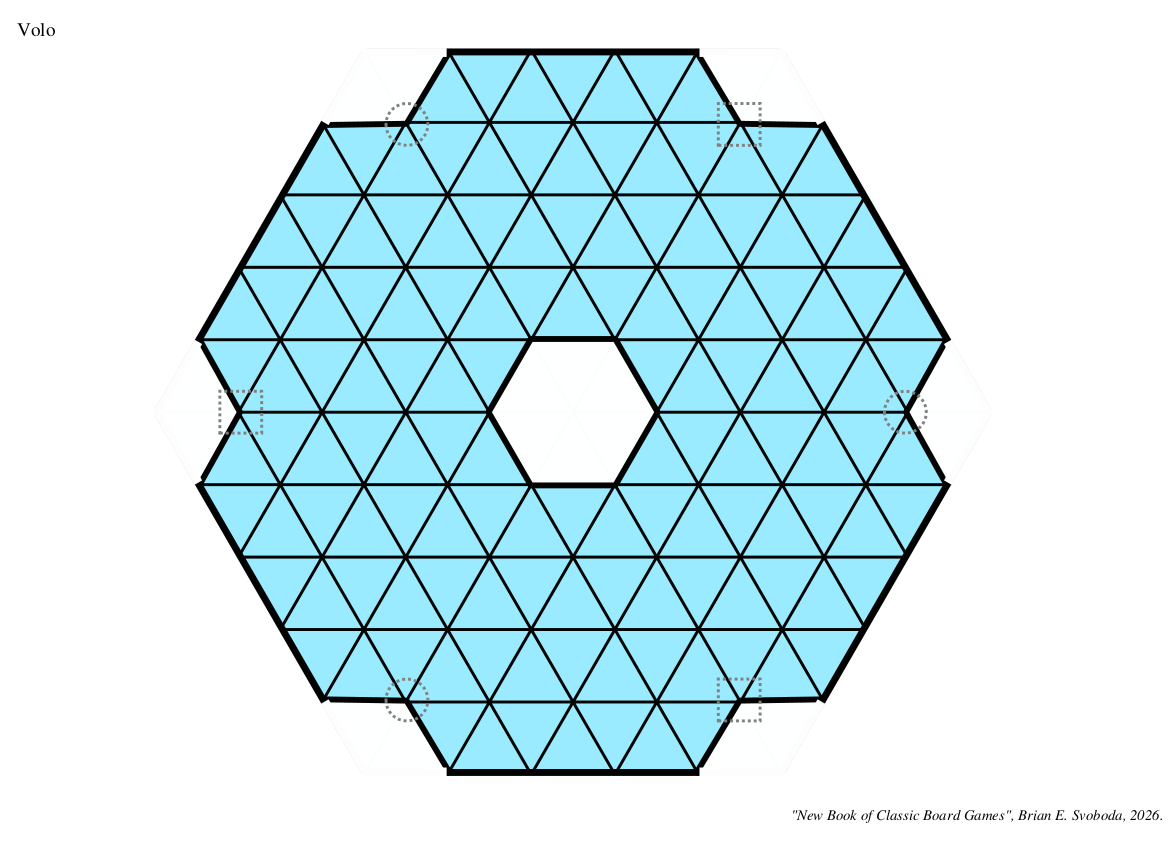
In February 2026, Brian E. Svoboda released a small booklet, in PDF format, containing boards and rules for a number of abstract games, titled “A NEW BOOK OF CLASSIC BOARD GAMES”. This booklet was discussed at Board Game Geek in this forum: https://boardgamegeek.com/thread/3357842
The script linked here is an attempt to reproduce the boards from that booklet.
Note
The script does not currently reproduce the “King’s Valley” board; this is still a work-in-progress!
Title |
New Classic Games |
Script |
|
Discussion |
The script uses different techniques and commands for each board; some are simple, but some are quite long and/or complex. Only the screenshots for a few of the boards are shown here:
Another related script, linked here for interest is an example of drawing a diagram that could be used in a rules document - see new_classics_diagrams.py |
Screenshot |
|
Screenshot |
|
Screenshot |
|
Screenshot |
|