Commercial Board Games and Maps
These examples are meant to demonstrate the type of output you can expect to create with protograf. They are not meant to be exhaustive or comprehensive!
Bear in mind that the images shown in these examples are lower-resolution screenshots; the original PDFs that can be generated from the source scripts will demonstrate full scalability.
Important
Note that there is no intention to infringe on copyright; these are partial examples designed to show possibilities and not to encourage copying or reproduction of any copyrighted game material. The purpose is to illustrate how elements of such games could have been be created during their prototyping stage.
Squad Leader
Title |
Squad Leader Modular Board Section |
Script |
|
Discussion |
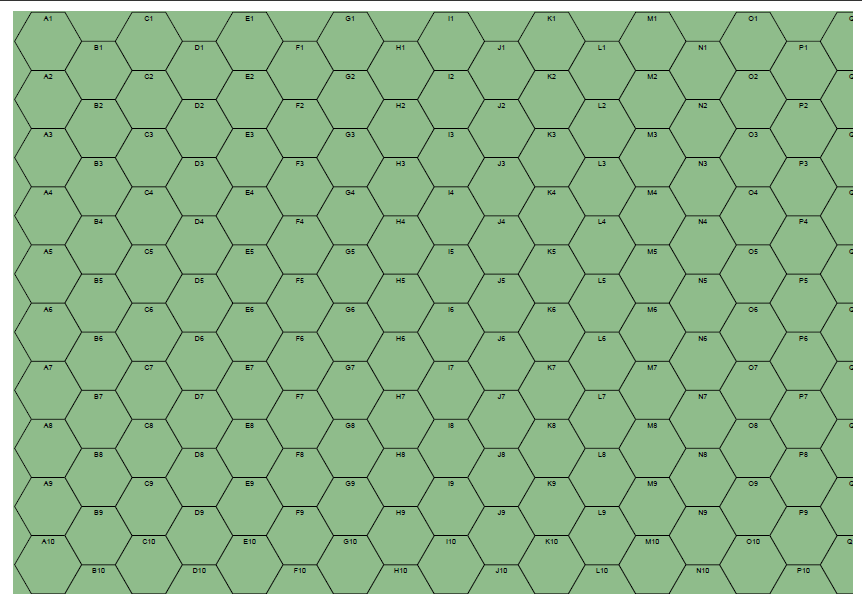
This example shows how to construct a blank board for a wargame — in this case Avalon Hill’s “Squad Leader” — using a hexagonal grid. The grid’s properties, such as alphanumeric coordinates and hex column offsets are used for overall appearance; the use of a blank white rectangle enables the “half-hex” effect at the lower edge of the board. |
Screenshot |
|
Tannenburg
Title |
Tannenburg Map Section |
Script |
|
Discussion |
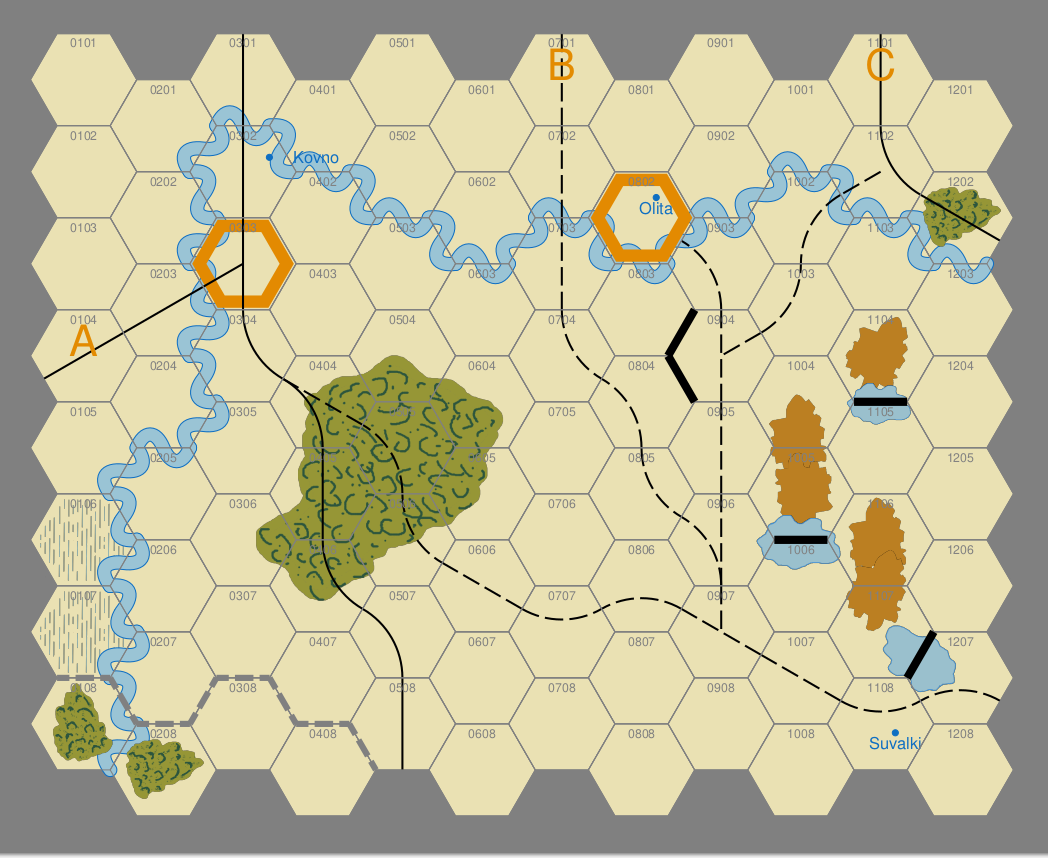
This example shows how to construct a board for a wargame — in this case a small portion of SPI’s “Tannenburg and the Opening Battles in the East 1914” — using a hexagonal grid. The grid’s properties, such as alphanumeric coordinates, fill and hexagon styles are used for overall appearance. Features are drawn either as bitmap PNG images pre-created in a drawing package, or using the built-in vector shapes of protograf itself. Of interest are:
These two commands between them, along with the usual Text command, will likely support most requirements for prototyping wargame maps. Note As stated up-front, protograf is designed to create regular graphics and most natural terrain features are irregular. Rather than trying to add complex algorithms to generate “pseudo-irregular” shapes, it is recommended to use a tool that makes it straightforward to create these images “by hand” — assuming that such images do not already exist. Using a PNG with a transparent background is usually the best approach. |
Screenshot |
|
Orion
Title |
Orion Game Board |
Script |
|
Discussion |
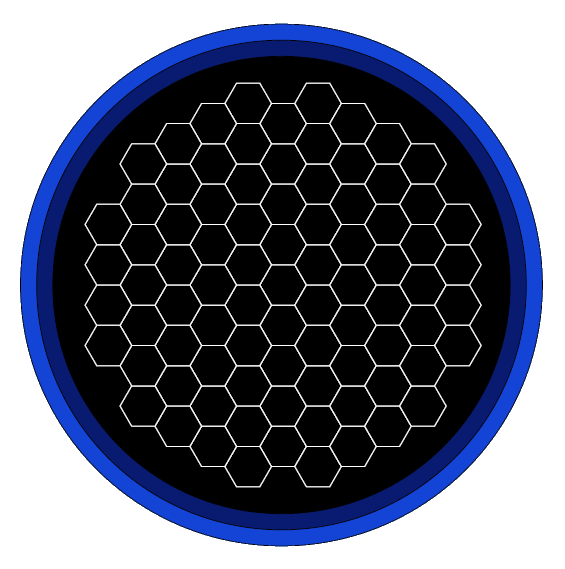
This example shows how to construct a board for the commercial board game “Orion”. It is a fairly simple script, as the board is similar to many abstract boards; a so-called “hexhex” shape. The background is just stacked |
Screenshot |
|
Catan
Title |
Catan Hexes Board |
Script |
|
Discussion |
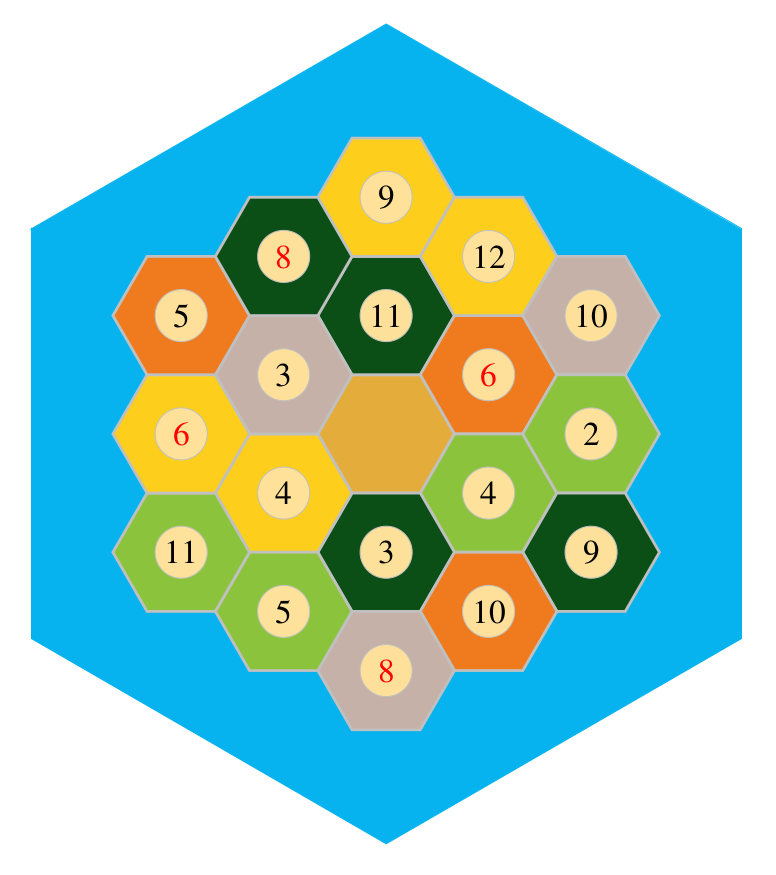
This example shows how to construct a board for the commercial
board game “Catan”. It uses the All the pieces — hexes and discs — are predefined in the
script (without any An interesting exercise would be to write a script that generates random board setups! |
Screenshot |
|
Kensington
Title |
Kensington Game Board |
Script |
|
Discussion |
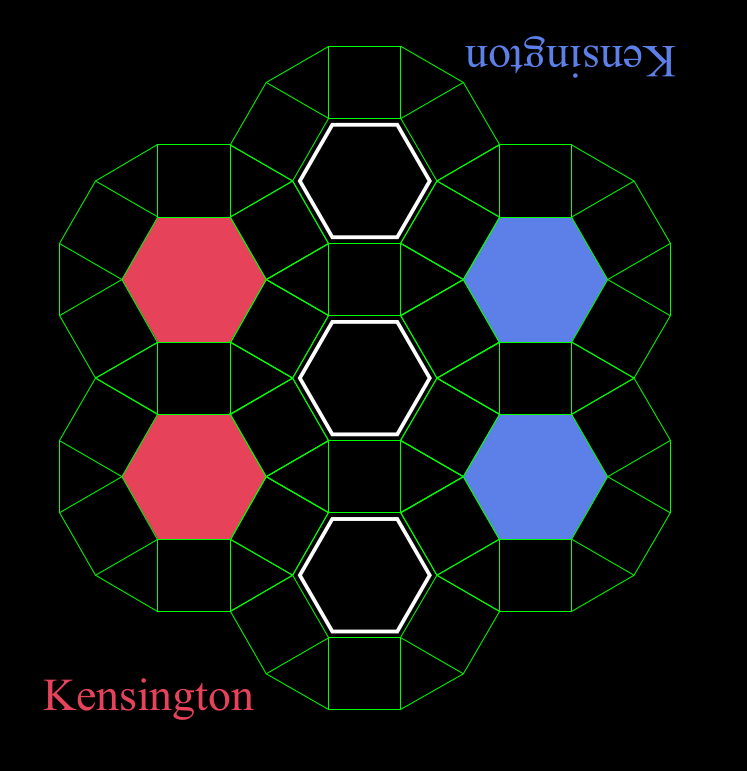
This example shows how to construct a board for the commercial board game “Kensington”. This is a more complex example that makes use of a Python function to draw each of the seven sets of the hexagon/dodecagon pairs. Each shape in the pair is connected using the links property of a joining Line. The key attributes of each pair — color and angle relative to the centre one — are stored in a list, and then a Python loop is used to process each in turn. |
Screenshot |
|
Adventurer Conqueror King
Title |
Adventurer Conqueror King RPG Blank Map |
Script |
|
Discussion |
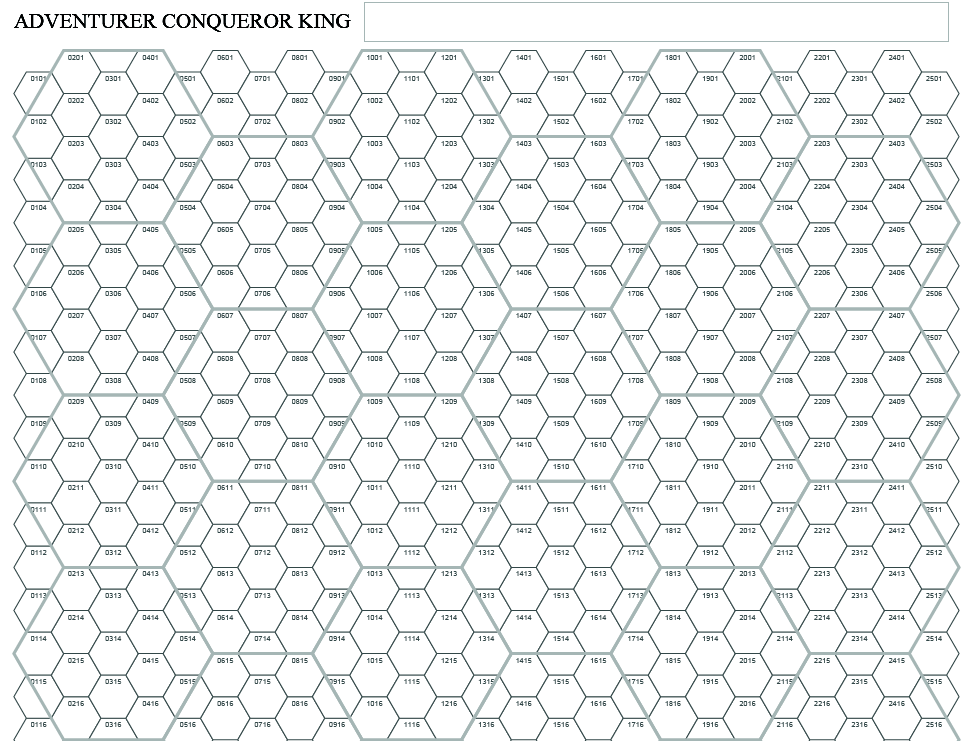
This example shows how to construct a blank map for the “Adventurer Conqueror King” roleplaying game. The map is constructed of two hexagonal grids; the larger hexes
have a fill set to |
Screenshot |
|
Traveller: Draft
Title |
Traveller RPG Map |
Script |
|
Discussion |
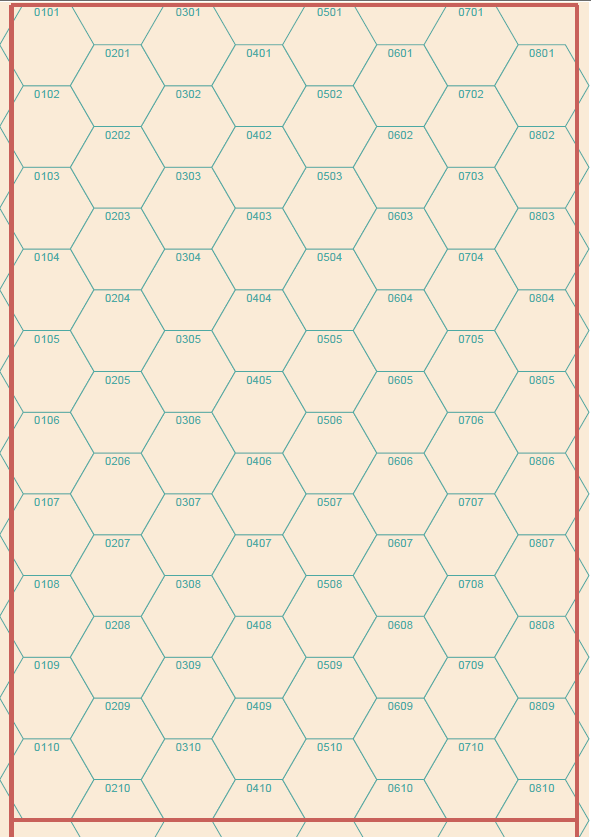
This example shows how to construct a blank sector map for the “Traveller” science fiction roleplaying game. Its a simple hexagonal grid, with a numeric coordinate system. The “edges” are just drawn with lines. It might be possible, in future, to expand this to show how star systems could be depicted on it; something along the lines of the Warp War`_ example. |
Screenshot |
|
Traveller: Black
Title |
Traveller RPG Map |
Script |
https://github.com/gamesbook/protograf/blob/master/examples/boards/commercial/traveller_black.py |
Discussion |
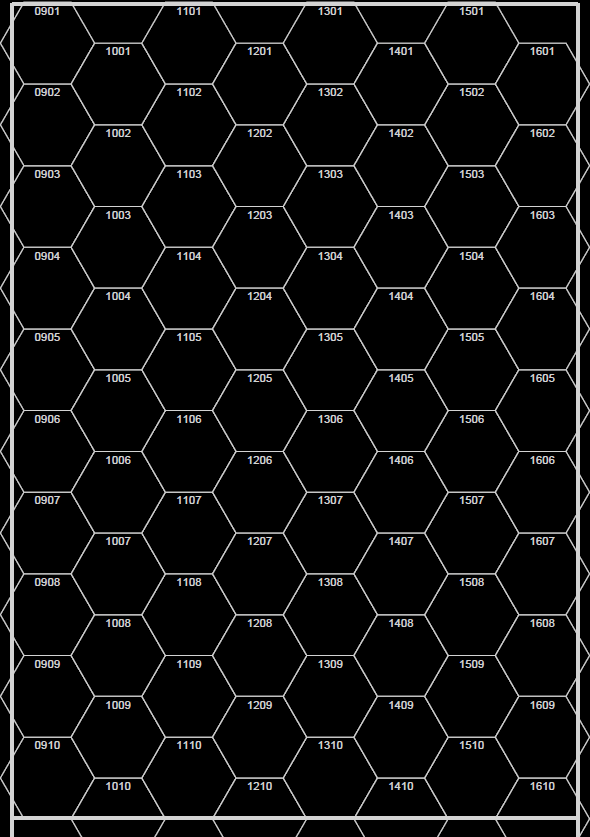
This example shows how to construct a blank sector map for the “Traveller” science fiction roleplaying game. Its a simple hexagonal grid, with a numeric coordinate system. The “edges” are just drawn with lines. The styling is black because of the fill used for the hexagons; when testing, however, it could be better to use a lighter color as this using much black is not very “printer friendly”. It might be possible, in future, to expand this to show how star systems could be depicted on it; something along the lines of the Warp War example. |
Screenshot |
|
Warp War
Title |
Warp War Map |
Script |
|
Discussion |
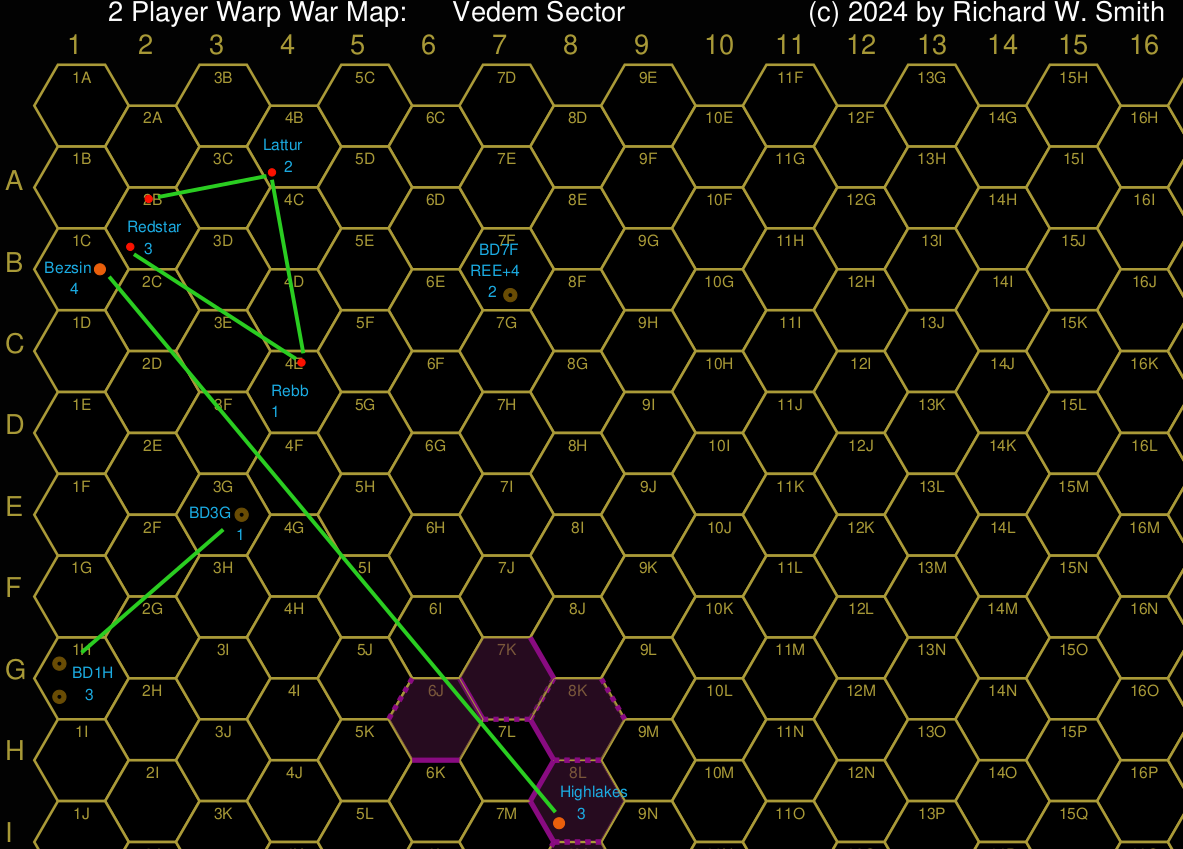
This example shows how to construct a map for the “Warp War” game. The example is based off an image created by Rick Smith and posted to the https://groups.io/g/warpwar/ forum on 3 June 2024. This is not a complete copy of that map — it just serves to illustrate how elements of such a map can be created. This is a fairly complex layout as most items need to be placed
with millimetre accuracy using the The green lines joining hexagons are created with the The use of hexagon The hexagon numbering for this game, which protograf terms
The hexagon identifers across the top and side are created with a
Hint The full map script can be found at warpwar_full.py but it uses various Python Commands in order to simplify the map generation; it may be of interest if you want to see how protograf can pull in such commands. |
Screenshot |
|
Underwater Cities
Title |
Underwater Cities Game Board |
Script |
|
Discussion |
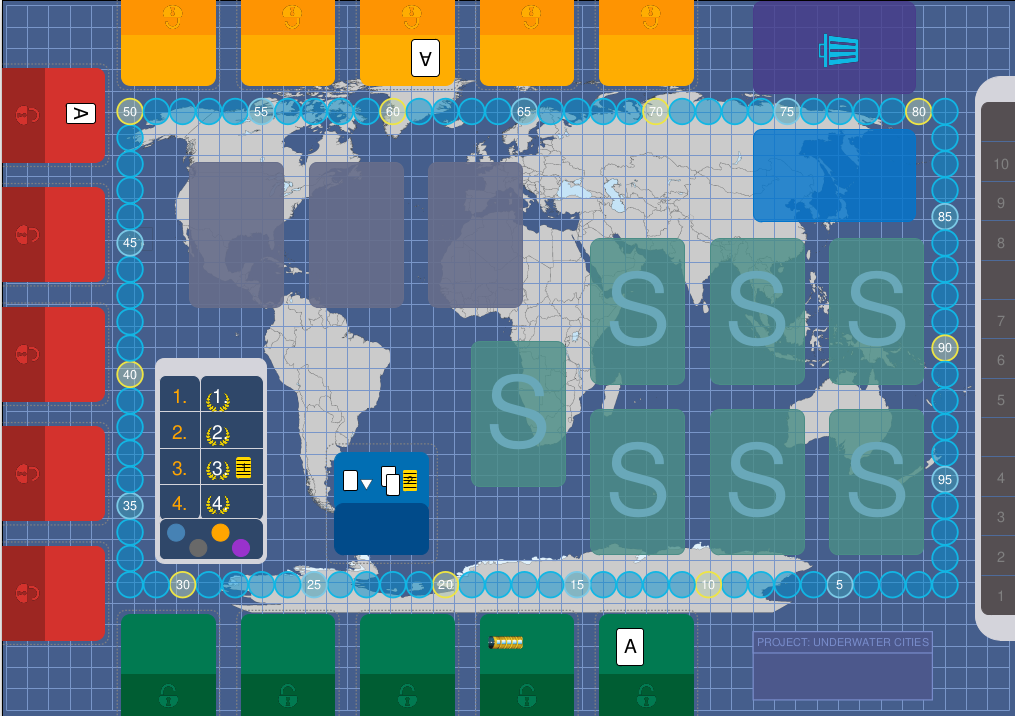
This example shows how to construct the board for the commercial board game “Underwater Cities”. This is not a complete copy of that board — it just serves to illustrate how elements of it could have been be created during the prototyping stage. The script for this example is one of the longest but it is not really that complex, as most shapes are simple rectangles stacked in the correct order, with the right fill and line color & styling. Some items of interest:
|
Screenshot |
|
The Honorverse
Title |
The Honorverse Star Map |
Script |
|
Discussion |
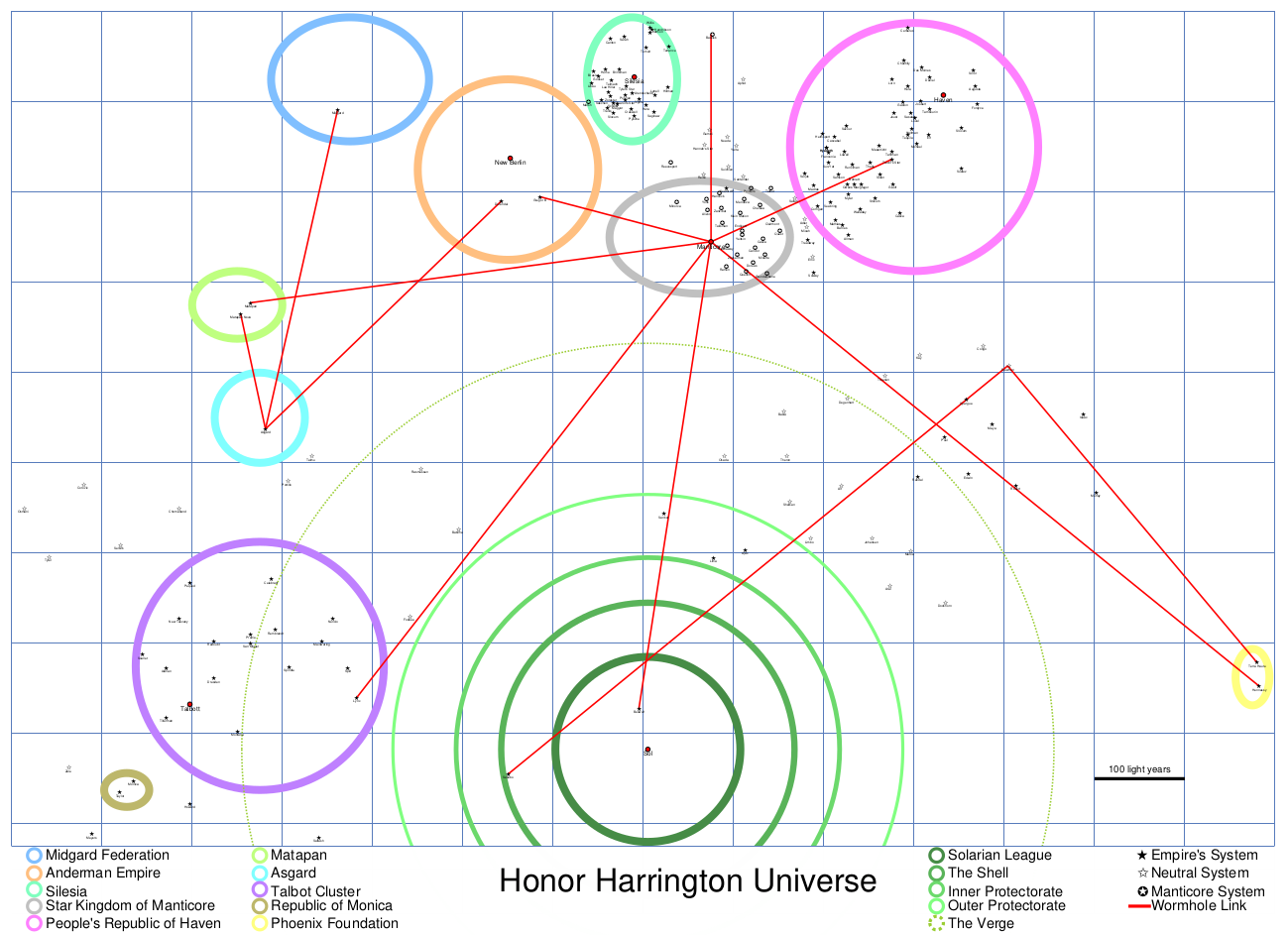
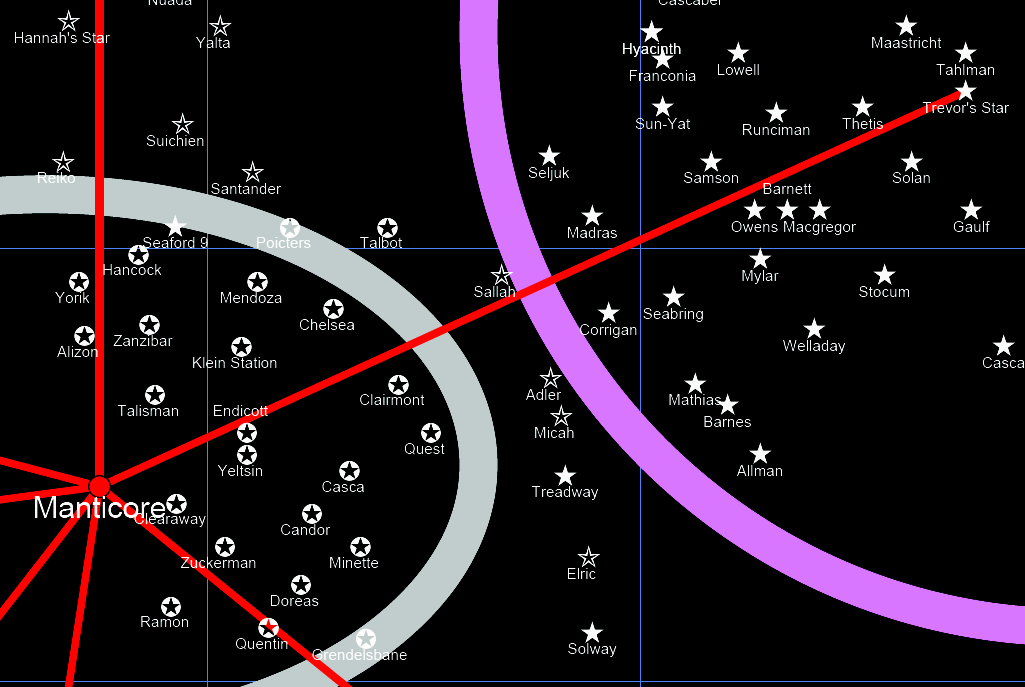
This example shows a map with the locations of stars described in the “Honor Harrington” science fiction series, written by David Weber, and sometimes termed the Honorverse The backdrop to the series is that FTL travel is possible; both with spaceships travelling through hyperspace as well as through “wormholes”. However wormholes are very limited in number, and so the stars that have both habitable planets, as well as multiple wormhole junctions, become obvious focal points for development and expansion. The main character in the series is from such a star system called “Manticore”; the centre of a “kingdom” of planets loosely modelled after the British Empire in the nineteenth century. The data for the map is sourced from: Any errors in transcription are mine — and NOT the original sources! Some items of interest:
|
Screenshot |
|
“Zoomed” |
|
Terraforming Mars: Ares Player Board
Title |
Terraforming Mars: Ares Player Board |
Script |
https://github.com/gamesbook/protograf/blob/master/examples/boards/commercial/tm_player_board.py |
Discussion |
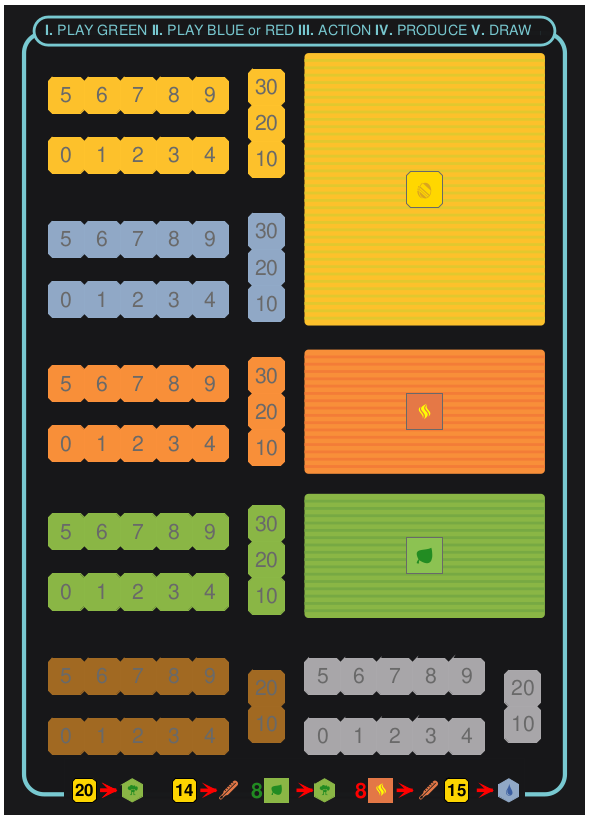
This example shows a version of the player board from the “Terraforming Mars: Ares” card game. It is not an exact reproduction and omits some of the text. Some items of interest:
|
Screenshot |
|