Decks of Cards
These examples are meant to demonstrate the type of output you can expect to create with protograf. They are not meant to be exhaustive or fully comprehensive!
Bear in mind that the images shown in these examples are lower-resolution screenshots; the original PDFs that can be generated from the source scripts will demonstrate full scalability.
Simple
Title |
Simple set of Cards |
Script |
|
Discussion |
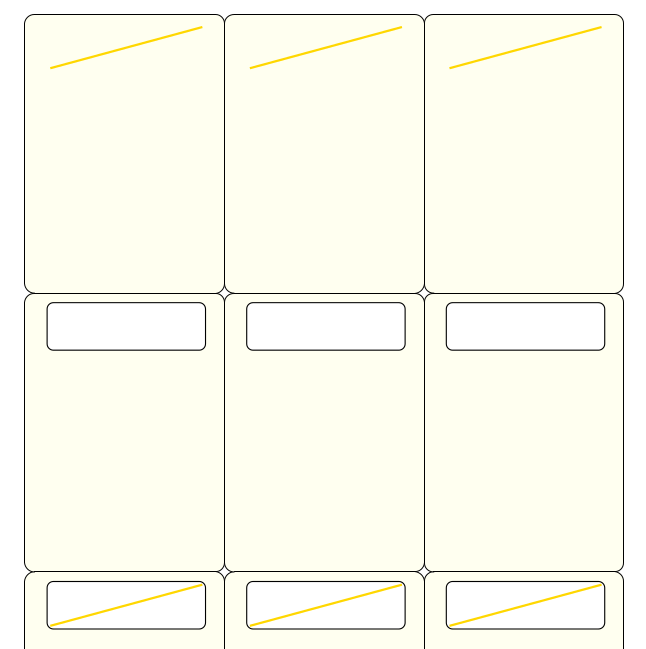
This example shows how to construct a deck of cards using these commands (only an extract of the code is shown here):
This is a simple design of lines and rectangles. These are
assigned names which can be used directly; or indirectly as part
of a The assignment as to which card ( To set changes for cards at intervals; for example, a set of even cards — as defined by their sequence number — or a set odd cards:
An alternate way to set changes for cards, specifically for odd and even cards:
|
Screenshot |
|
Matrix Generated
Title |
Cards generated from a Matrix |
Script |
|
Discussion |
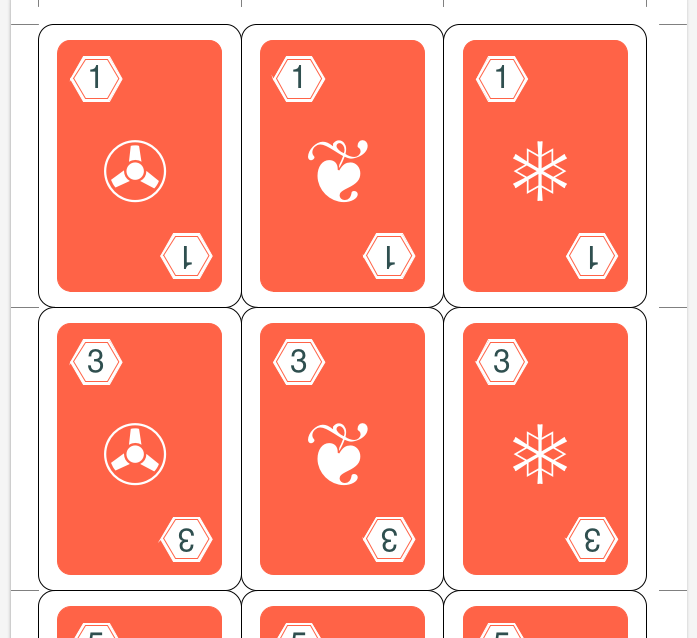
This example shows how to construct a deck of cards using these commands (only an extract of the code is shown here):
The use of the In this example each card will display a unique combination of a
SUIT - these are hexadecimal colors in the first list that
appears in Hint As can be seen, a Unicode symbol is shown by 4-characters
prefixed by the The Unicode symbols available are specific to the font being used. Once defined in the |
Screenshot |
|
Standard Playing Cards
Title |
Standard Playing Cards generated from a Matrix & Images |
Script |
|
Discussion |
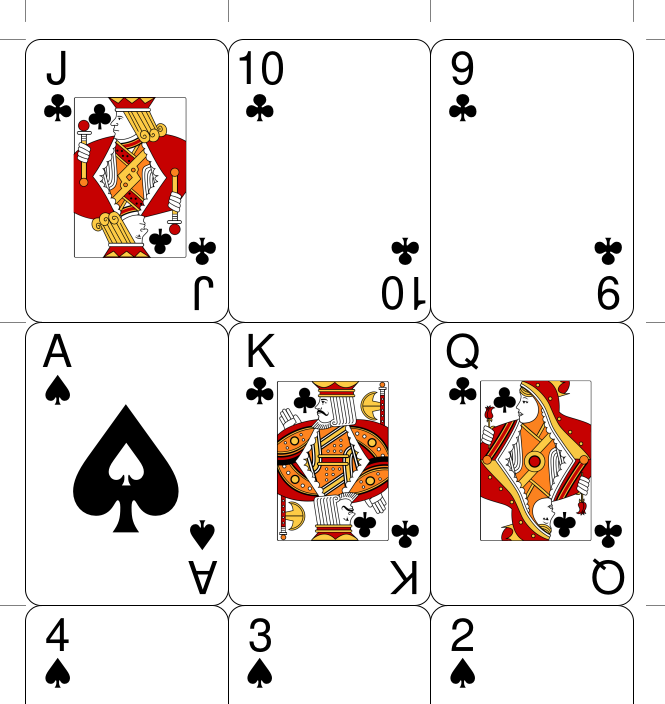
This example shows how to construct a deck of cards using these commands (only an extract of the code is shown here). The bulk of the cards are generated via a
The extra property for the The Number cards consist of text and a colored suit - because the suit is created from a Unicode symbol it is also text; the locations of these are set via common properties; and the color is set via a stroke property. The Royalty cards require an image, whose settings are created via
a
The Ace of Spades is often specially demarcated in a deck via a more elaborate design. In this case, the design is simply two large spades symbols, of different colors, superimposed:
The Jokers (not shown in the screenshot) are the extra 2
cards needed for a standard deck. In this case they also require
an image, as well as text whose properties are created via the
same
|
Screenshot |
|
Image-Only Cards
Title |
Cards generated from a directory of images |
Script |
|
Discussion |
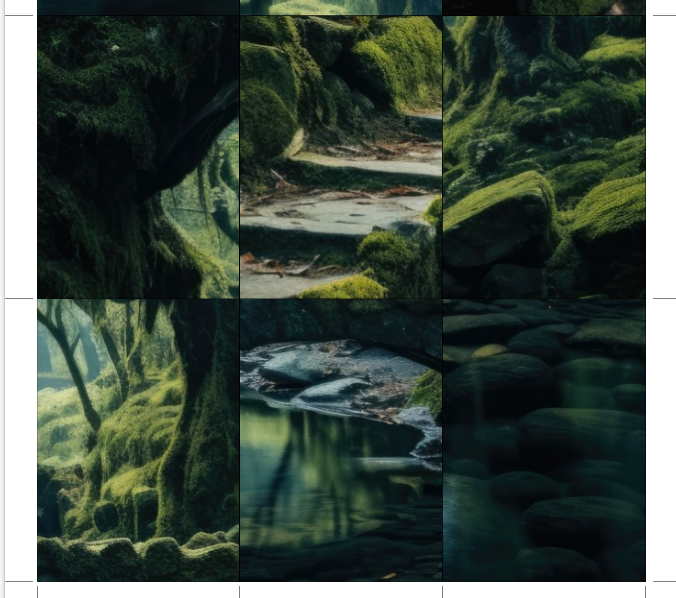
This example shows how to construct a deck of cards using these commands (only an extract of the code is shown here):
The commands for generating cards that just consist of an image
are simple. the It can be helpful to ensure that any non-image files stored in that images directory are ignored; for this purpose the images_filter property can be set to contain a comma-delimited list of allowable file extensions. The Credits: the original image that was “chopped up” to form the set of images used for these example cards was sourced from: https://picjumbo.com/mysterious-fantasy-forest-with-old-bridges/ |
Screenshot |
|
Hexagonal Cards
Title |
Hexagonal-shaped Cards |
Script |
|
Discussion |
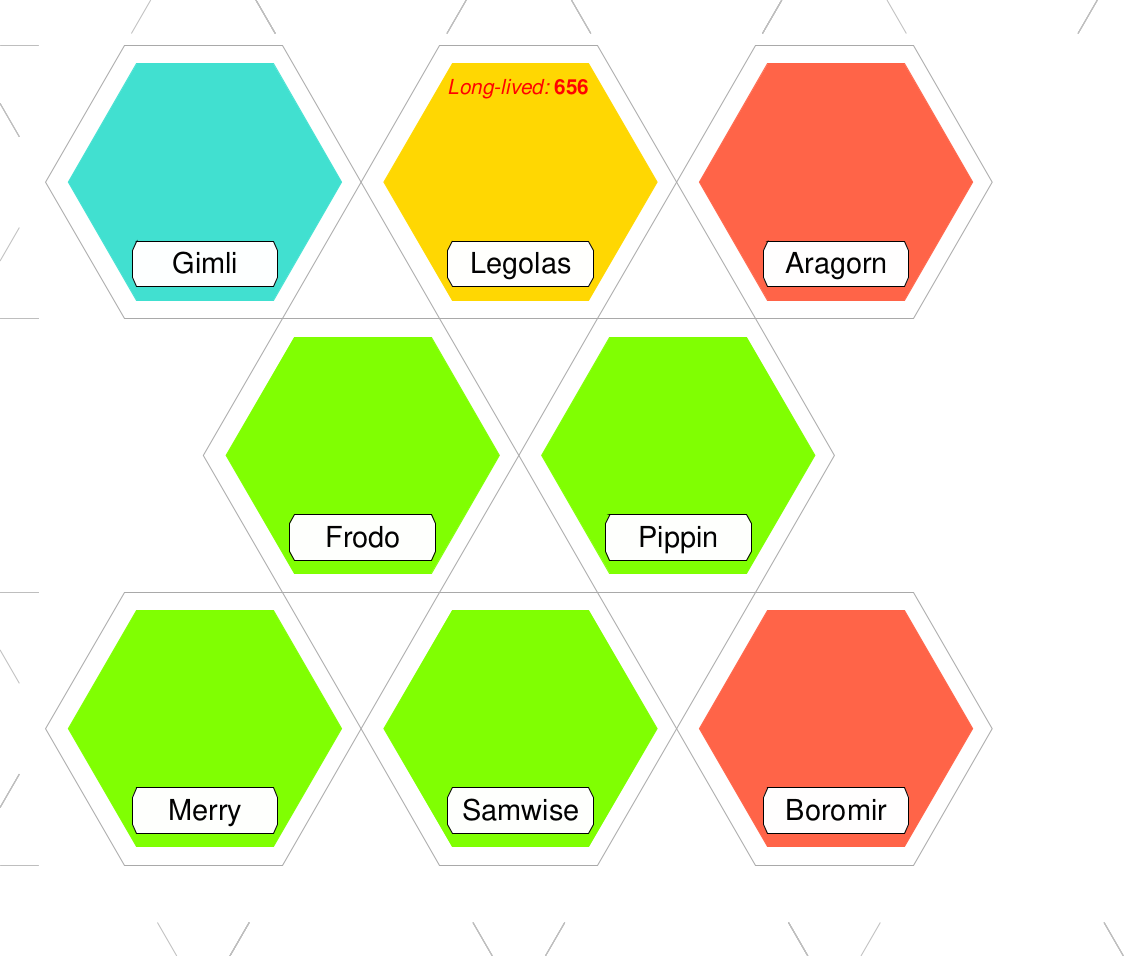
This example shows how to construct a deck of cards/tiles using these commands (only an extract of the code is shown here):
It can be seen that each alternate row is offset from the ones on either side of it; this is to make cutting such cards/tiles much easier. In addition, the use of the grid_marks property will cause short lines to be drawn along each edge of the page in order to support easier cutting of such cards/tiles. |
Screenshot |
|
Circular Cards
Title |
Circular-shaped Cards |
Script |
|
Discussion |
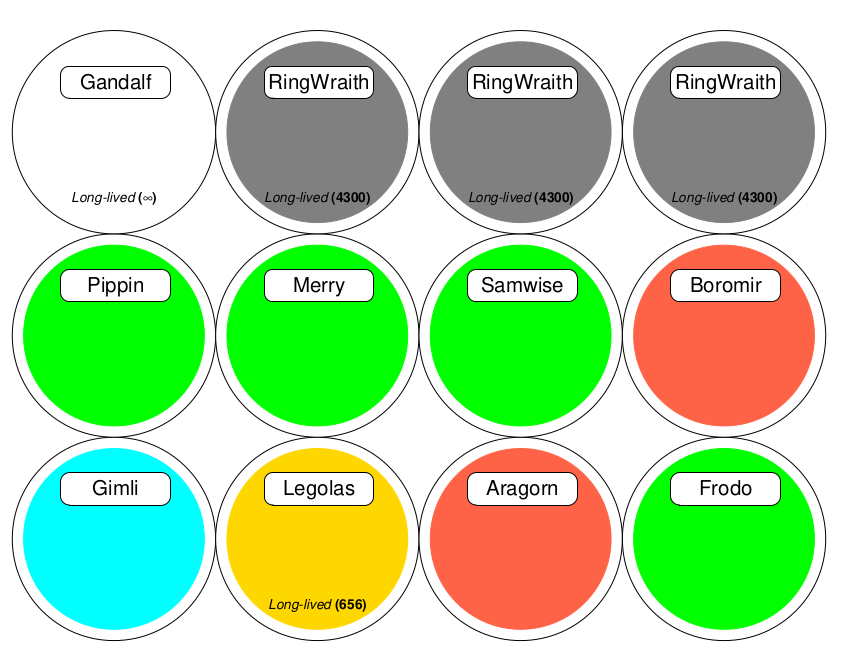
This example shows how to construct a deck of cards using these commands (only an extract of the code is shown here):
|
Screenshot |
|
Play Money
Title |
Play Money (using Cards) |
Script |
|
Discussion |
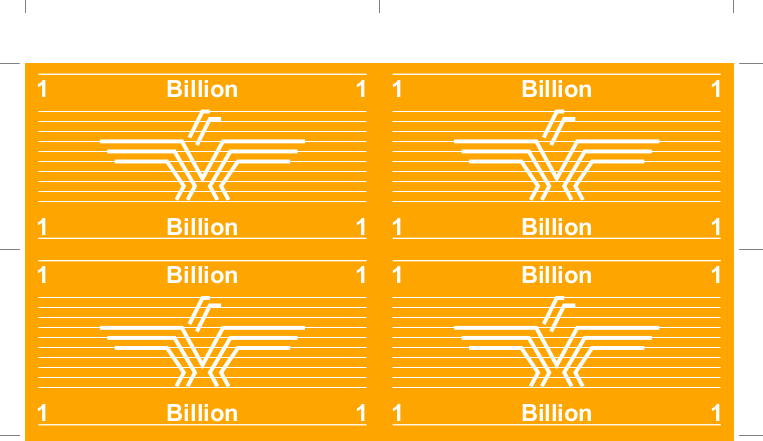
This example shows how to construct a set of play money using
Of interest is the use of The data used to set the various denomination values and their colors is “baked into” the script using the list-of-lists approach. |
Screenshot |
|
Access to an API
Title |
Data Accessed from an API |
Script |
|
Discussion |
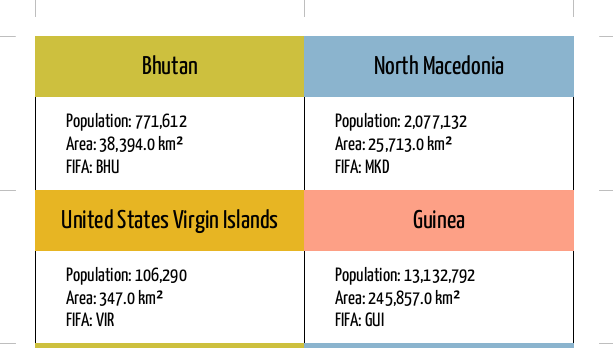
This example shows how to construct a deck of cards using data obtained from an API (only an extract of the code is shown here): import requests
def get_api_data():
result = requests.get(
'https://restcountries.com/v3.1/all?'
'fields=name,area,population,fifa,continents')
data = result.json()
countries = []
for d in data:
countries.append(
{'name': d['name']['common'],
'area': d['area'],
'pop': d['population'],
'fifa': d['fifa'],
'continent': d['continents'][0]}
)
return countries
Data(
source=get_api_data(),
filters=[('fifa', '', 'ne')])
This example makes use of the following Python features:
In this example, an API is called. This is a web site that is
able to provide a data set in a structured format. The Python
A loop allows each item of data in the data set to be accessed.
Columns from each item can then be accessed using the The Use of the filters property allows a subset of the data to be chosen for the Cards. |
Screenshot |
|