Board Game Geek
These examples are meant to demonstrate the type of output you can expect to create with protograf. They are not meant to be exhaustive or comprehensive!
Bear in mind that the images shown in these examples are lower-resolution screenshots; the original PDFs that can be generated from the source scripts will demonstrate full scalability.
Basic
Title |
Basic BoardGameGeek Example |
Script |
|
Discussion |
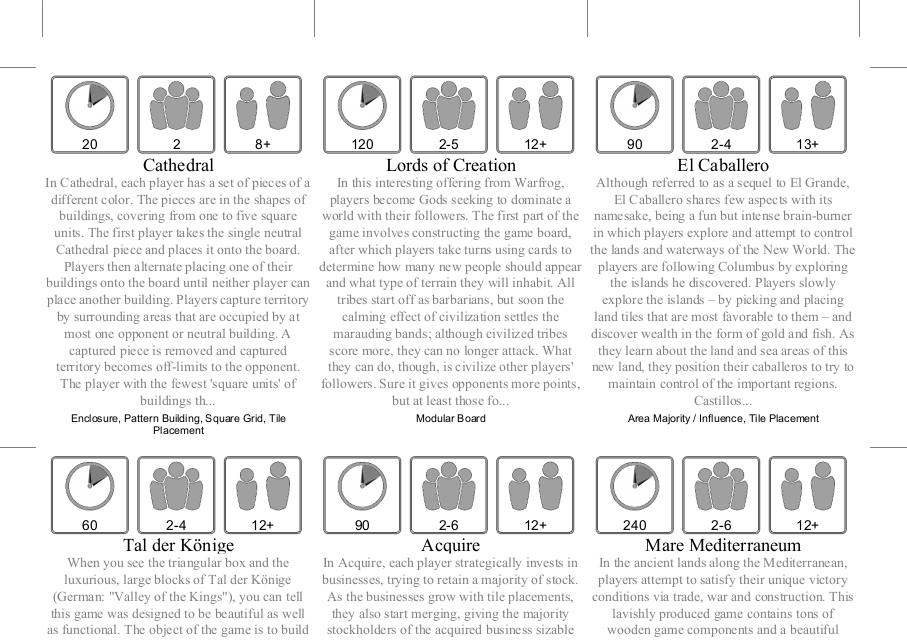
This example shows how to construct a set of cards — one per game — using the BoardGameGeek API (BGG API), accessed via the https://github.com/SukiCZ/boardgamegeek Python library. |
Screenshot |
|
Image-based
Title |
BoardGameGeek Example with Thumbnails and Custom Values |
Script |
|
Discussion |
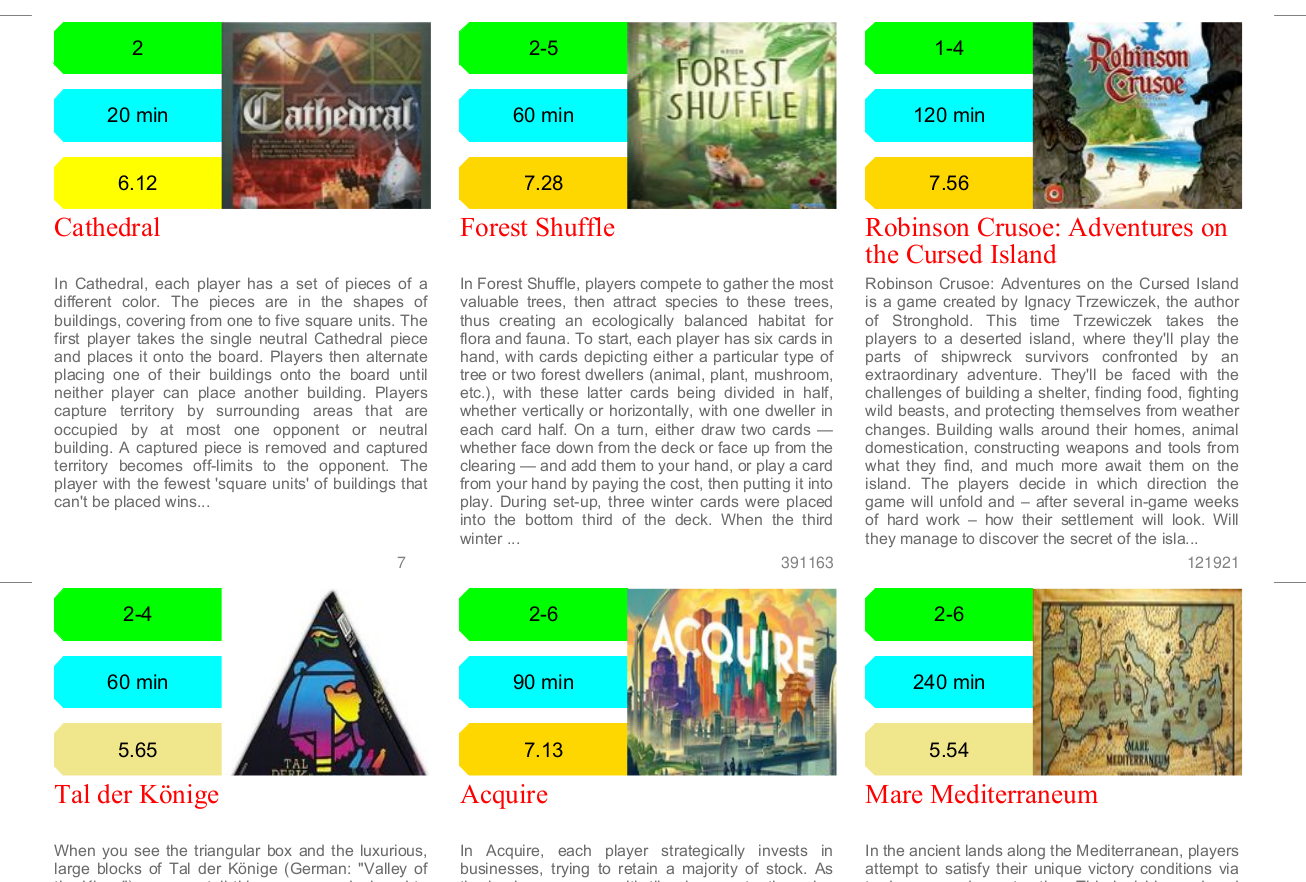
This example shows how to construct a set of cards — one per game — using the BoardGameGeek API (BGG API), accessed via the https://github.com/SukiCZ/boardgamegeek Python library. This example was inspired by https://www.myboardgamecollection.com/ - a simple way to create a PDF file with all your collection data! This example uses games’ “thumbnails” sourced from the BGG API, and also makes use of the Selection command to change the color of the third panel, based on how well the game is rated. |
Screenshot |
|
Images and QR
Title |
BoardGameGeek Example with Images and QRCodes |
Script |
|
Discussion |
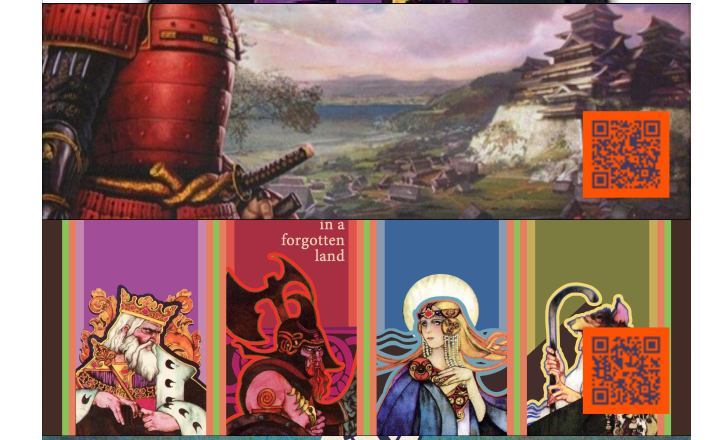
This example shows how to construct a set of cards — one per game — using the BoardGameGeek API (BGG API), accessed via the https://github.com/SukiCZ/boardgamegeek Python library. This example was inspired by https://www.myboardgamecollection.com/ - a simple way to create a PDF file with all your collection data! This example uses games’ full-sized images sourced from the BGG API, which are “sliced” to show the middle-third of the image. It also makes use of the QRCode command to generate a QRCode based on a hyperlink for the games’ URLs on the BGG website. |
Screenshot |
|